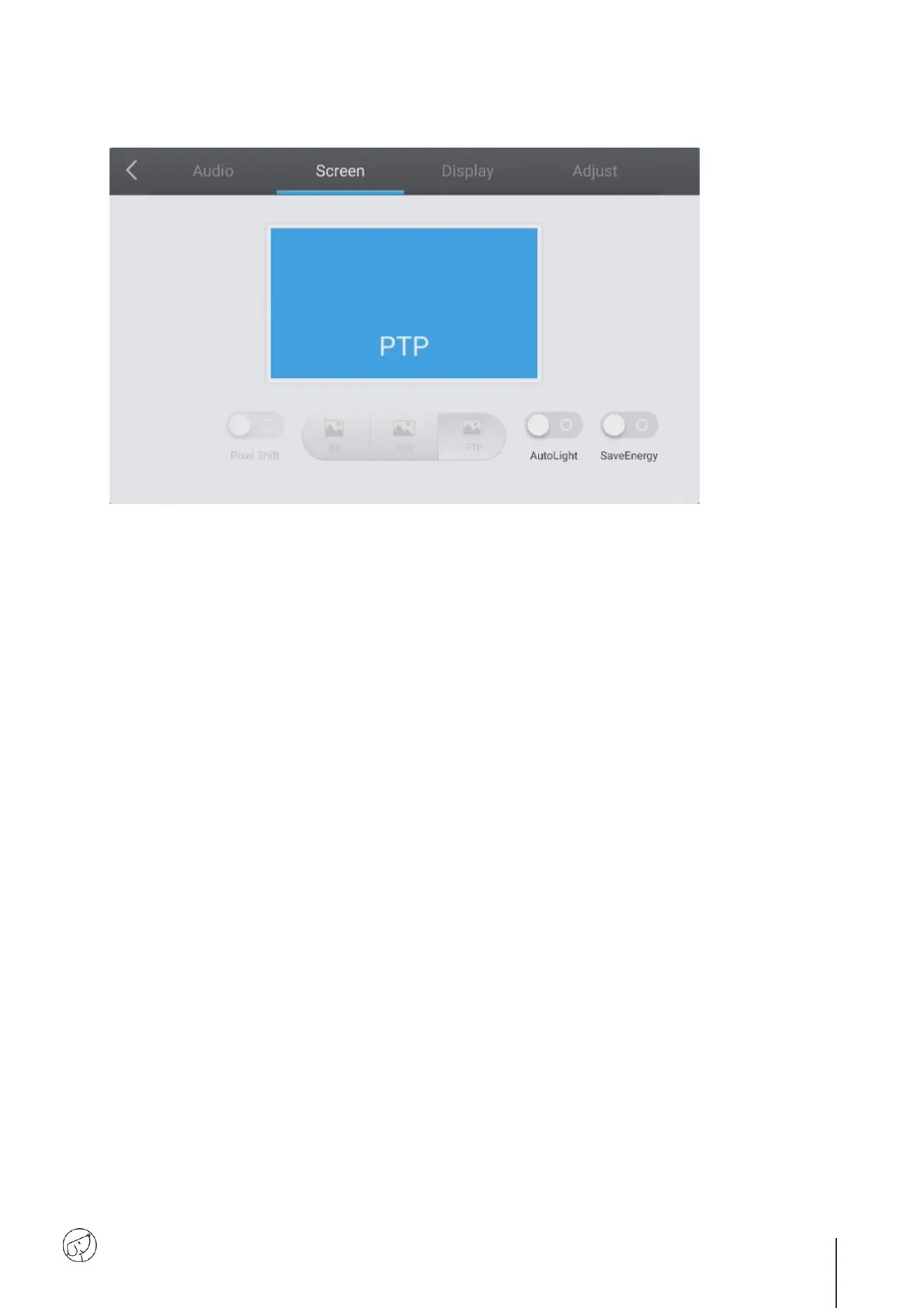
6.2.5.2. Screen
To set the display format, click on the "Screen" tab.
There are 3 types of screen formats available:
4:3 (old TV format)
16:9 (most common format)
PTP
Pixel Shift
Pixel shifting prevents burn-in on screen pixels. This protection should be activated if you use still
images over long periods: the image will make small movements imperceptible to the naked eye to
protect the LCD panel.
AutoLight
The screens are equipped with a light sensor (located on the front frame of the screens). This sensor
can be used to lower brightness in dark rooms, or increase it in brightly lit rooms.
You can disable automatic adjustment by clicking on the "AutoLight" button.
Brightness will be fixed and manually adjustable in "Display" (see next page).
SaveEnergy
This option will set the parameters to the lowest energy consumption (brightness, etc.).



 To Next Page