IP Video Intercom Paging Console User Manual
31
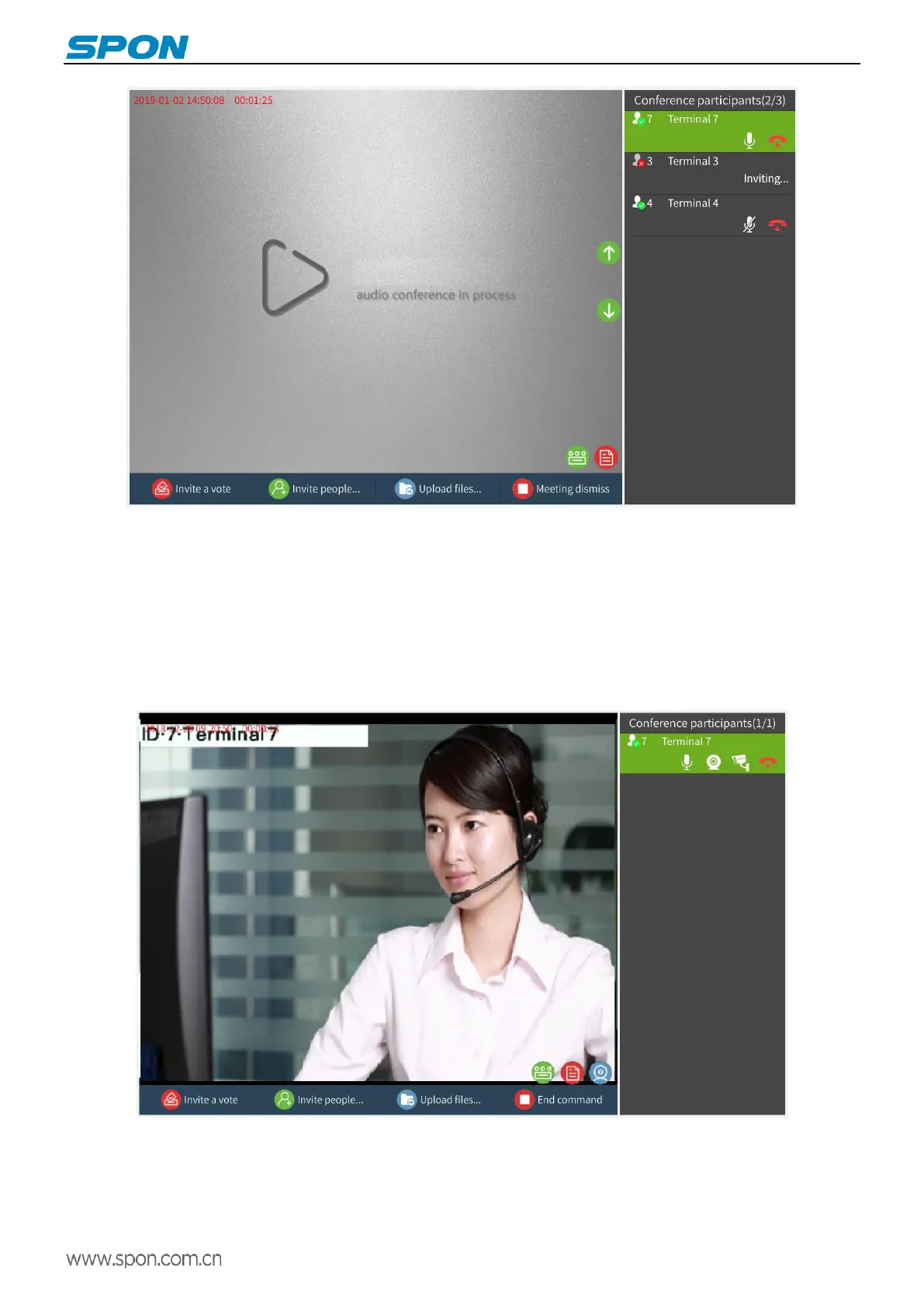
Note: After the conference starts, the time at the top left of the screen represents the time of creating the
conference and the duration of the conference.
(2)Video command conference
Video command conference: Command and dispatch voice and picture synchronization of multiple terminals. After the
video command conference is initiated, the invited party automatically enters the conference. The operation method is as
follows:
Click the “Video Command” button to create a video command conference.
Invite participants. After entering the video command mode, click the "Invite people" the left button, check the
participants, and click OK.



 To Next Page