IP Video Intercom Paging Console User Manual
32
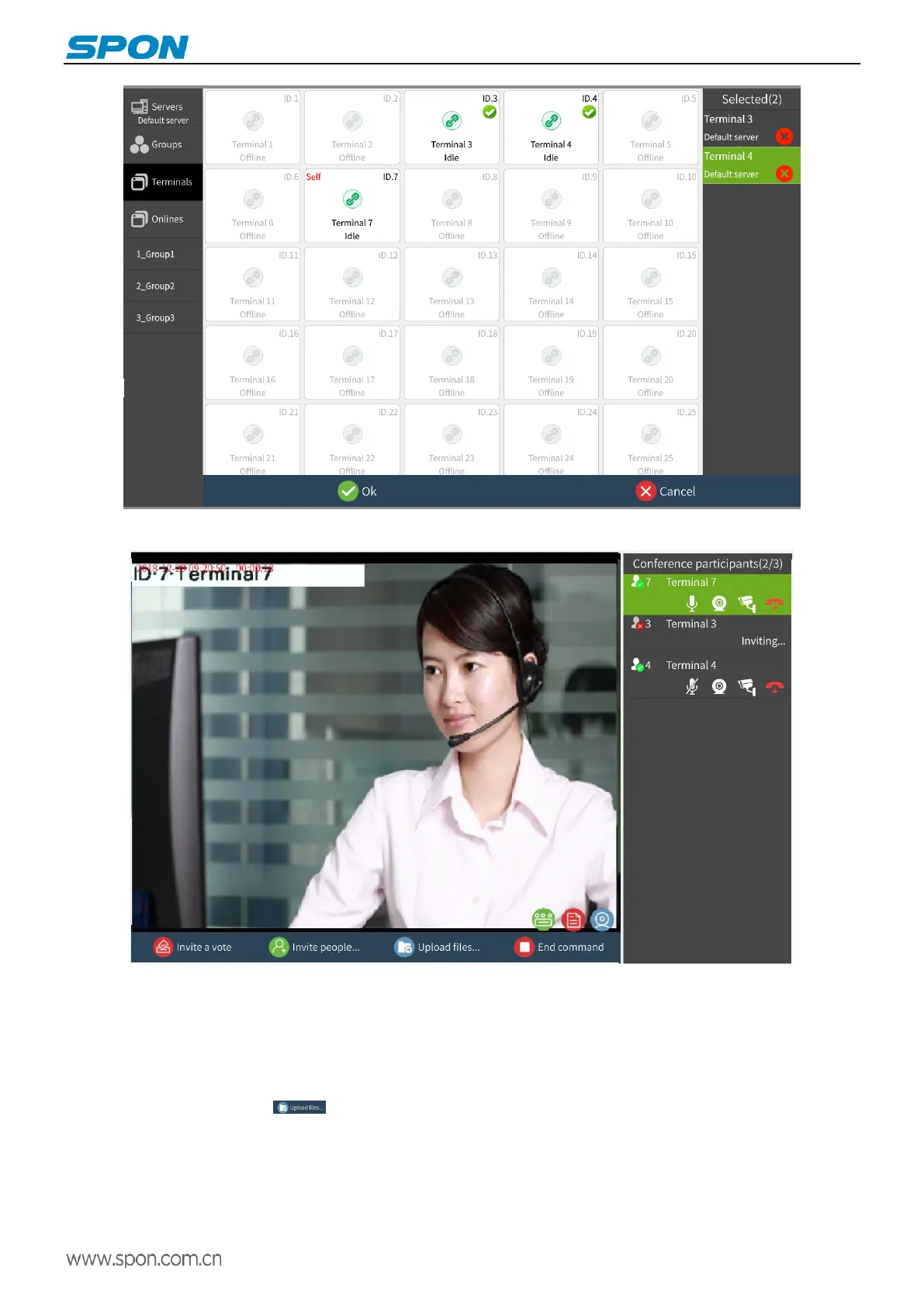
The invitee join directly into the video command conference without invitee confirmation.
upload files
During the conference, the files required for the conference can be uploaded to the main screen of the terminal to facilitate
conference control (if the display is connected, the conference file can be displayed by HDMI mode). The operation is as follows:
1)Put the picture into a USB (support bmp/jpg/png format)
2)Click the upload file icon , Select the file you want to upload and press the "Upload" button to start uploading.



 To Next Page