11DIAL-UP EFTPOS MERCHANT OPERATING GUIDE PROCEDURES
4.0 Procedures
4.1 Inserting a Chip Card
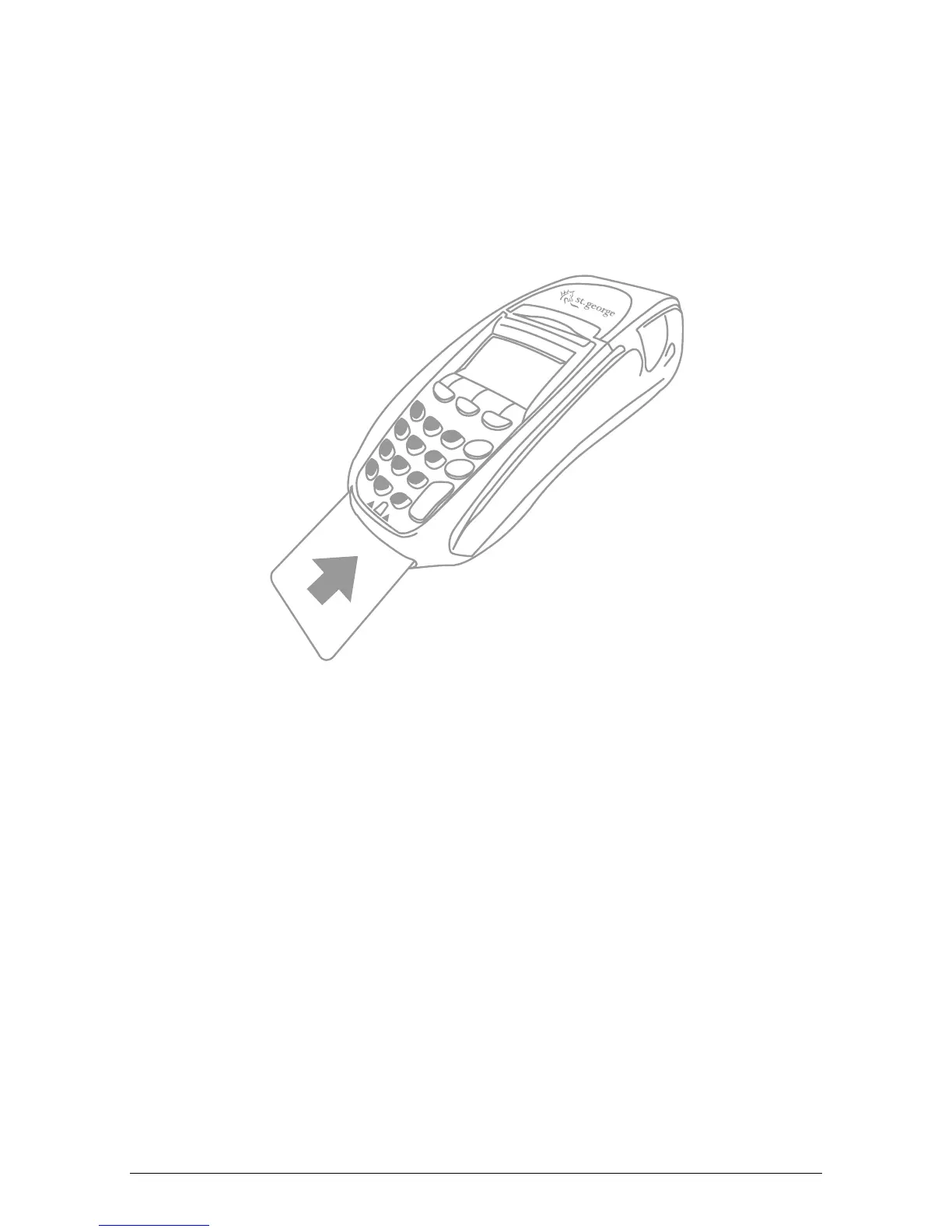
When your terminal is enabled for chip card acceptance, chip cards are inserted into
the terminal and left there for the duration of the transaction.
The chip card reader is located at the bottom of the terminal below the keypad.
1. Check the terminal is displaying the message INSERT/SWIPE CARD.
2. Hold the card face-up with the chip towards the terminal.
3. Insert the card as far as it will go into the reader and continue processing the
transaction.
4. Leave the card in the terminal until prompted to remove it.



 To Next Page