40 DIAL-UP EFTPOS MERCHANT OPERATING GUIDE HOW TO OPERATE USER MANAGEMENT (SHIFT) FUNCTION
6.2 How to Set User ID’s.
The terminal can have up to 10 User ID’s. User ID’s are unique two digit numbers
(01, 02, etc.) allocated by you to identify individual users.
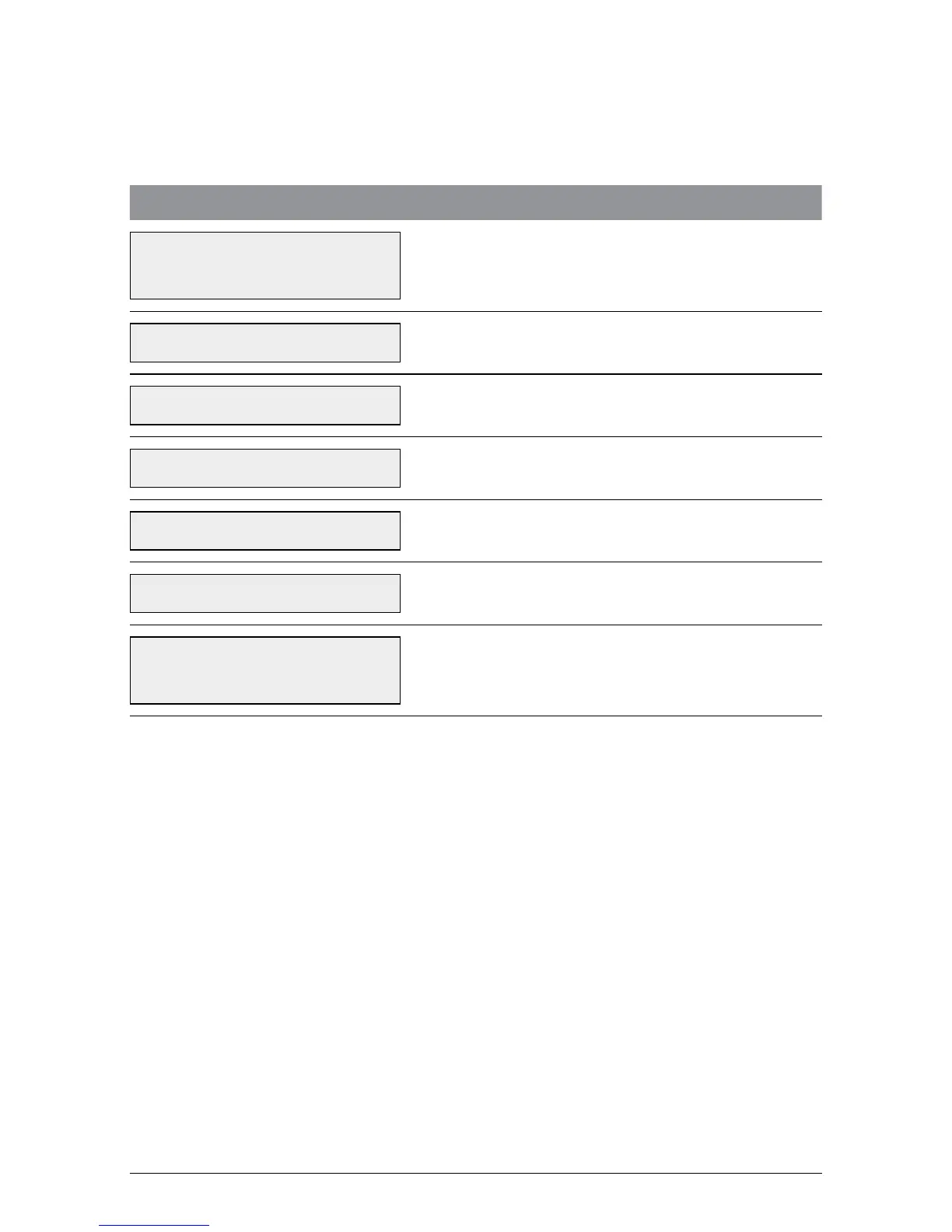
TERMINAL DISPLAY PROCEDURE
22/05/2009 12.54
ENTER AMOUNT
Press the Function (FUNC) button.
FUNCTION? Key in 60 and press ENTER.
TERMINAL PWD? Key in the terminal password and press ENTER.
ENTER USER ID
Key in the User ID (01-10) number and
press ENTER.
NEW PASSWORD: The user is required to enter a 4 digit code.
VERIFY PASSWORD:
The user is required to re-enter the 4 digit code
entered in previous step.
USER MANAGEMENT
USER ADDED
The user has been accepted. Repeat the above
steps to add extra users.



 To Next Page