45DIAL-UP EFTPOS MERCHANT OPERATING GUIDE REPORTING FUNCTIONS
7.2 Terminal Settlement
Settlement for the EFTPOS terminal can occur via a programmed terminal settlement
(automatic settlement) or a manual settlement. Failure to perform a settlement may
result in split deposits for settlements.
The terminal must be powered on for settlement to occur at the programmed time.
Manual settlement will require the operator to enter the settlement password for
settlement to occur.
Note:
A settlement can only be performed once in a 24-hour period.
You cannot settle between 9.30pm and 11.00pm (AEST).
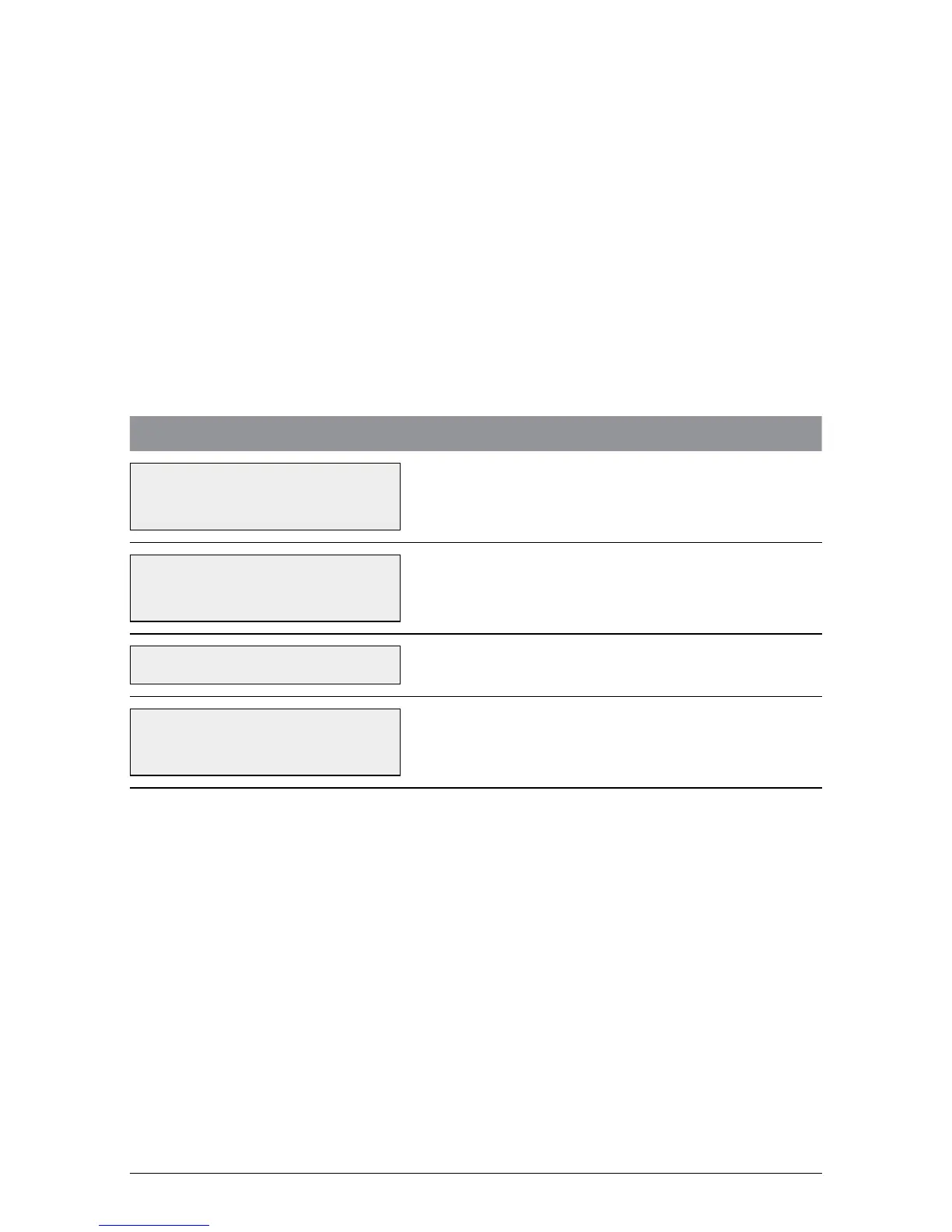
To process a manual settlement:
TERMINAL DISPLAY PROCEDURE
22/05/2009 13.09
ENTER AMOUNT
Press ENTER until SETL is displayed on the
screen.
22/05/2009 13.09
INIT SUB SETL
Press the soft key beneath SETL.
SETTLEMENT PWD?
Key in the settlement password and press
ENTER.
BATCH UPLOAD
PLEASE WAIT
The terminal will connect to the host to settle all
transactions processed in current batch period.



 To Next Page