DIAL-UP EFTPOS MERCHANT OPERATING GUIDE TRANSACTION PROCEDURES20
5.3 How to Process a Refund
Refunds may only be processed where there was an initial valid transaction on the same card.
If a customer returns a purchase, or if an incorrect amount was charged, process a
refund as follows:
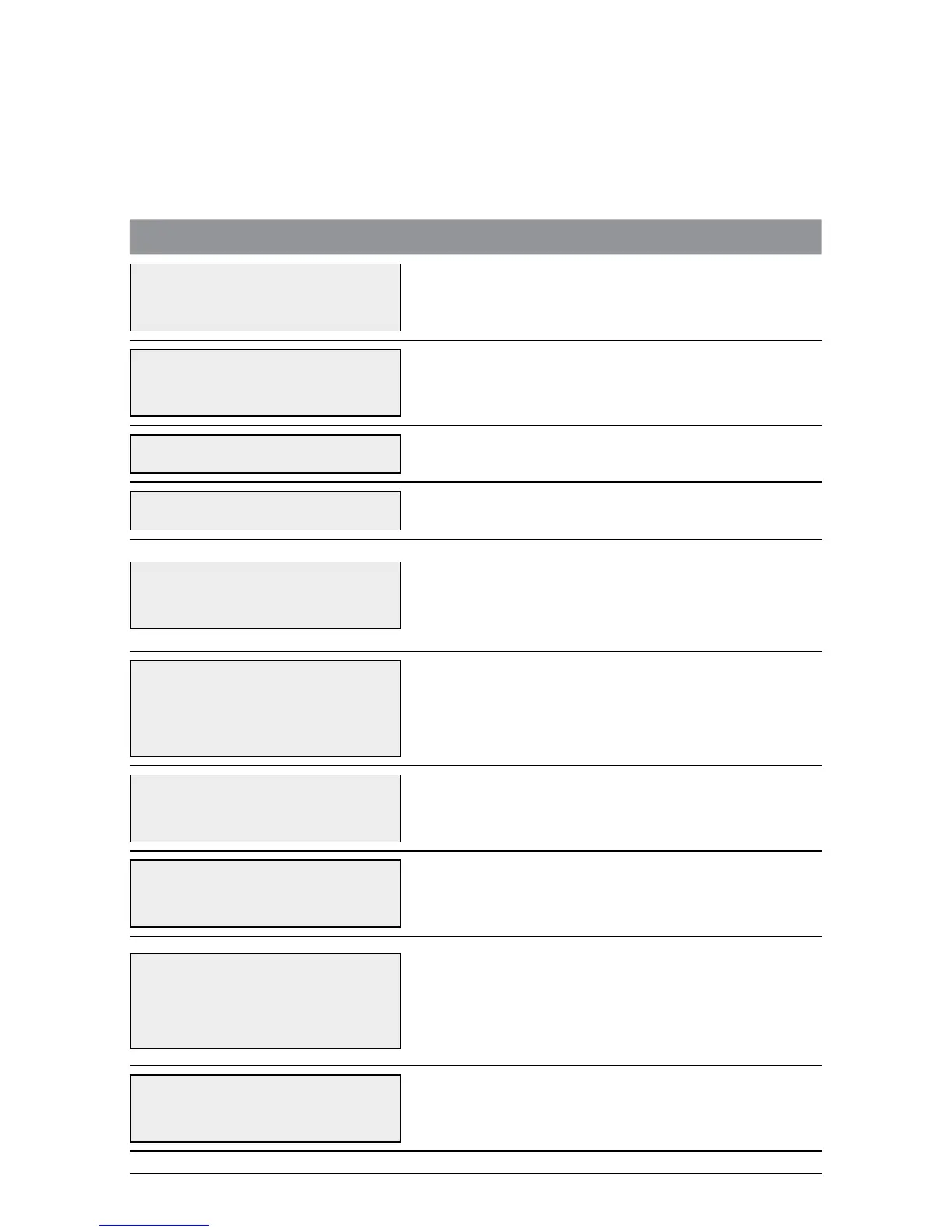
TERMINAL DISPLAY PROCEDURE
22/05/2009 12.31
ENTER AMOUNT
Press ENTER until RFND is displayed on the
screen.
22/05/2009 12.31
PRCH CASH RFND
Press the soft key beneath RFND.
REFUND PASSWORD? Key in the refund password and press ENTER.
ENTER RFND AMT Key in the refund amount and press ENTER.
RFND $5.00
INSERT/SWIPE CRD
Insert the customer’s chip card into the chip
card reader.
Or:
Swipe the customer’s card through the card reader.
RFND $5.00
SELECT ACCOUNT
CHQ SAV CR
Press the soft key beneath the account type
needed.
RFND $5.00
PIN & / OR ENTER
Where prompted, have the cardholder key in
their PIN and press ENTER, or just press ENTER.
1
DEBIT RFND
PROCESSING
The terminal is connecting to the bank and
processing the refund.
VERIFY SIGNATURE
CORRECT? YES/NO
**REMOVE CARD**
If the card was inserted, remove the card from
the reader.
If signature is required: Have the customer sign the
receipt. If the signature matches the signature on
the card, press ENTER. Otherwise press CANCEL.
CUSTOMER COPY
PRESS ENTER
Press ENTER to print customer receipt.



 To Next Page