47DIAL-UP EFTPOS MERCHANT OPERATING GUIDE REPORTING FUNCTIONS
7.3 How to Reprint Last Settlement
This function will reprint the last settlement which has occurred.
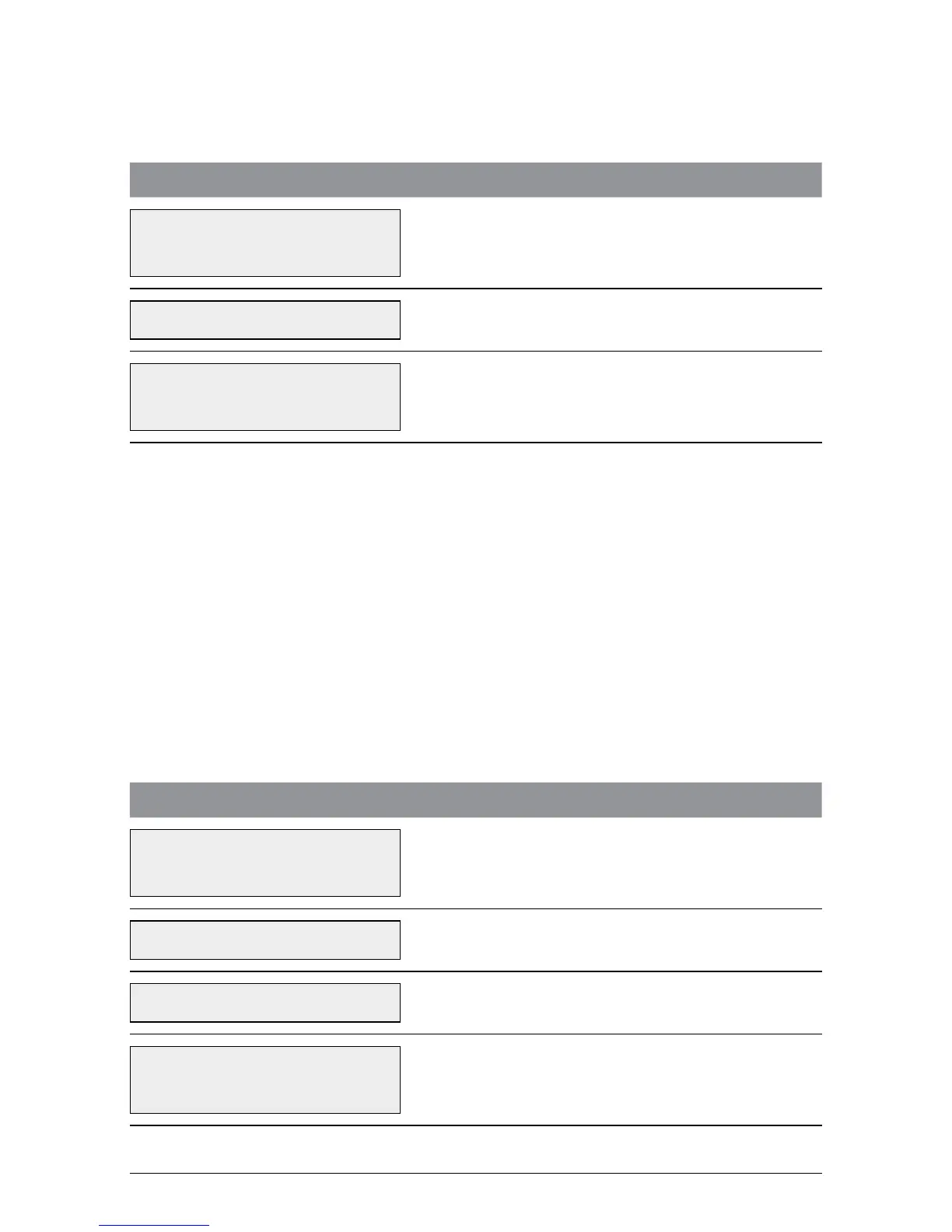
TERMINAL DISPLAY PROCEDURE
22/05/2009 13.09
ENTER AMOUNT
Press the Function (FUNC) button.
FUNCTION? Key in 70 and press ENTER.
PRINTING
PLEASE WAIT
This prompt is displayed as the report is printing.
7.4 Tip Reporting
This function is used to print information relating to tips processed in the settlement
period. The terminal can be loaded with 10 users, meaning that a user can have a
User ID ranging from 01 to 10. Once tip reporting is enabled it will stay active until it
is switched off. The terminal can be settled without having to start the tip reporting
function again.
Note:
Tip reporting cannot be activated whilst shift mode is activated. See section 6.0.
To Activate Tip Reporting Function
(This needs to be done before the trading period commences.)
TERMINAL DISPLAY PROCEDURE
22/05/2009 12.24
ENTER AMOUNT
Press the Function (FUNC) button.
FUNCTION? Key in 57 and press ENTER.
TERMINAL PWD? Key in the terminal password and press ENTER.
TIP REPORT
ACTIVATE?
Press ENTER to activate tip report.



 To Next Page