7DIAL-UP EFTPOS MERCHANT OPERATING GUIDE GETTING STARTED
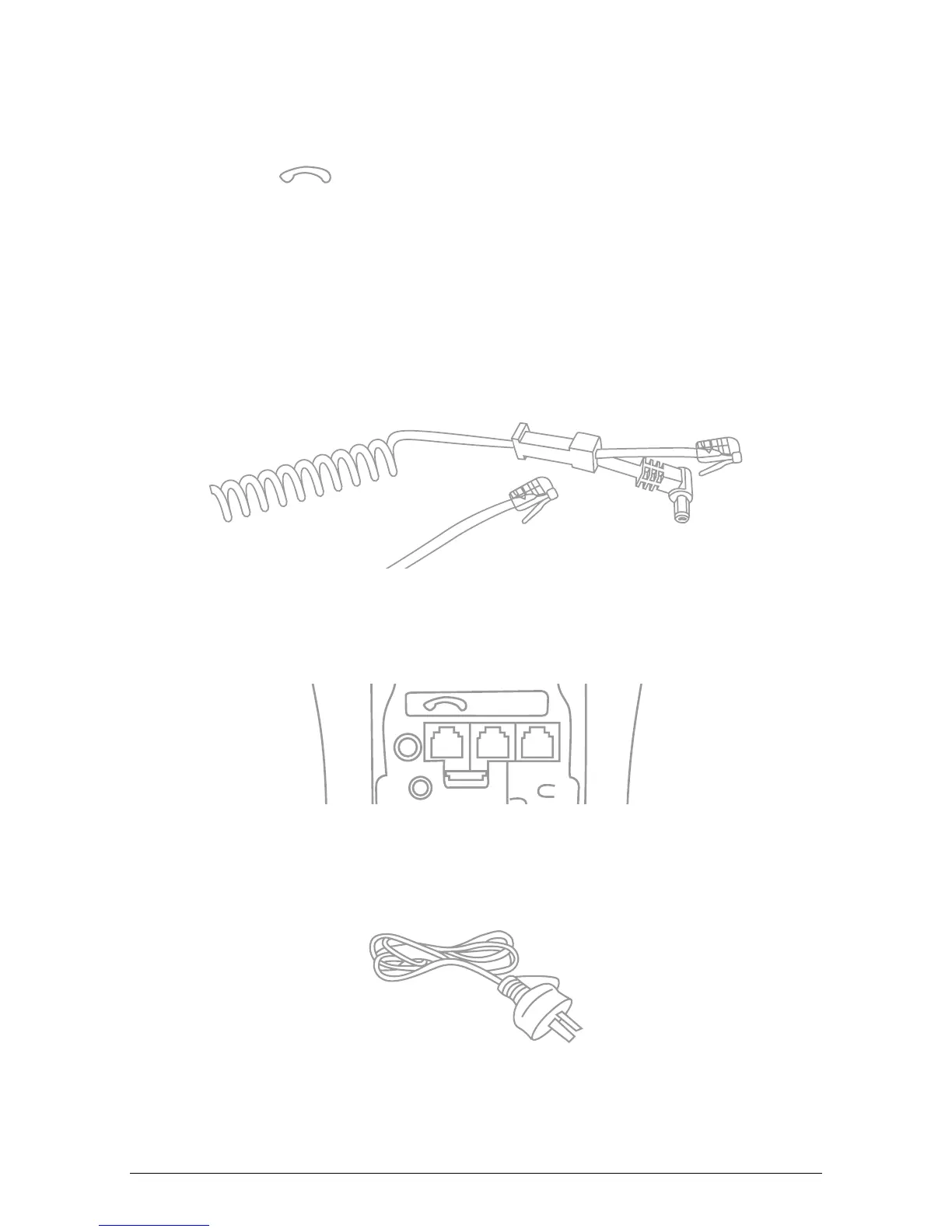
1. Place the terminal on a clear, flat surface close to an electrical socket and telephone
socket. The connectors are located on the underneath of the terminal as shown.
2. Plug the RJ12 phone connector on the curly end of the Y powered curly cord into the
socket marked
.
3. Plug the opposite end of the RJ12 curly cord into the telephone cable adaptor, which
inserts into the telephone wall socket.
4. Plug the DC connector on the curly end of the Y powered curly cord into the
terminal’s power socket.
5. Plug the opposite ends DC connector into the terminal power supply.
6. Connect the power cord to the terminal power supply and then into a mains power
outlet.
Y Powered Curly Cord
CAB321359b
Power Cord
CAB0092
Terminal Connections
ALI0142



 To Next Page