4 Default application
The STWIN.box core system is preprogrammed with a default application that is included in the FP-SNS-STBOX1
function pack.
This function pack features:
•
Support for STBLESensor app (Android and iOS)
• Bluetooth
®
Low Energy pairing via NFC
• On-the-air firmware upgrade via Bluetooth
®
Low Energy
• Environmental sensor data streaming
Getting started
• Install the STBLESensor app on your smartphone from Google Play or App Store.
• Turn on the Bluetooth
®
Low Energy and NFC on your smartphone.
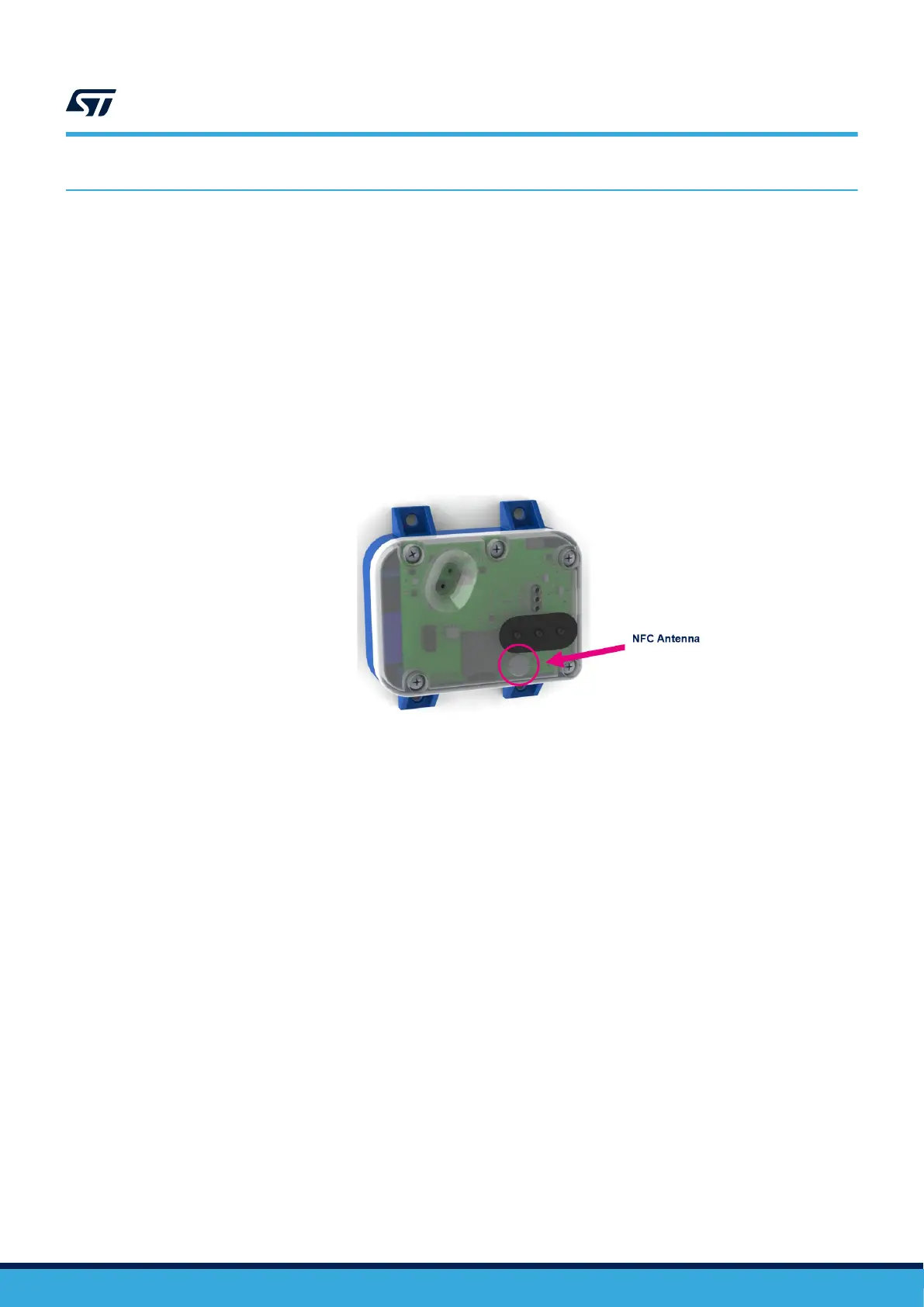
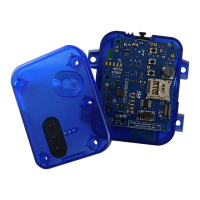
• Place your smartphone on top of the NFC antenna of the STWIN.box, shown below.
Figure 32. STWIN.box antenna
– The smarphone reads the Bluetooth
®
Low Energy pairing information and automatically loads the
STBLESensor app
–
Ignore any pin request (it disappears automatically in a few seconds)
– The application shows the environmental data coming from the board (temperature and pressure)
At this point you can choose to upgrade the firmware on the board directly by using the mobile app, by selecting
one of the available firmware.
Upgrade the firmware by following the steps shown in the following figure.
UM2965
Default application
UM2965 - Rev 1
page 33/58


 To Next Page