SETTING UP THE STALKER 2X
MENU OPERATION ON DSR 2X – Setting up the radar unit is fast and easy, and is accomplished using the remote control.
Press the
MENU key to step through the settings and press the Ï and Ð keys to change the value. To exit the menu, press any of the
four Target Zone keys.
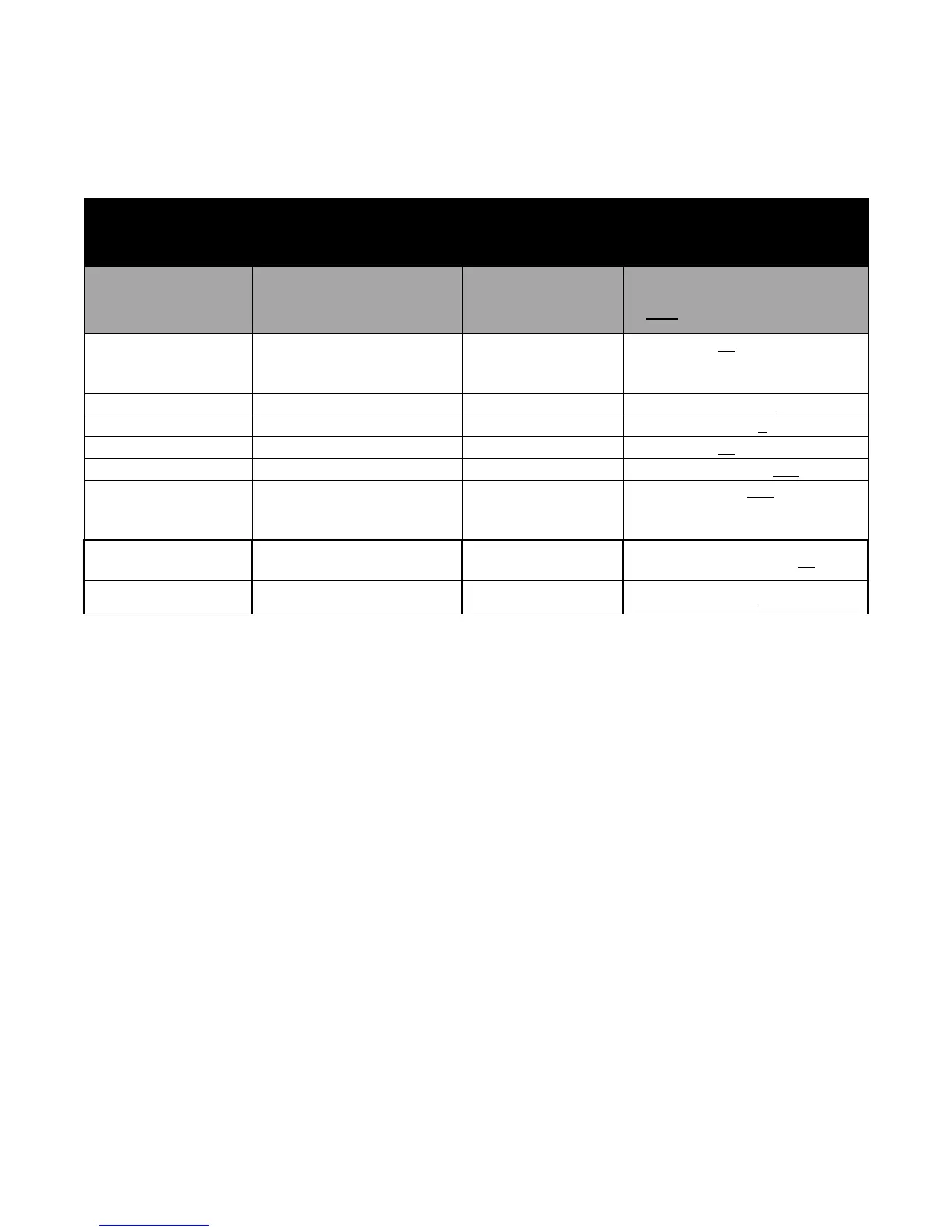
OPERATOR MENU
FEATURE
Step down by
pressing MENU key
SETTINGs
Change using the
Ï and Ð keys
Menu Step
ORDER
Description
LOCK/FAST
WINDOW
Patrol Window
(bold indicates factory default)
1 (only displayed if
Faster Enable is
ON)
Faster On/Off
FAS
On
, OFF
2
Opposite Sensitivity
OP SEn
0, 1, 2, 3, 4
3
Same Lane Sensitivity
SL SEn
0, 1, 2, 3
, 4
4
Squelch
SqL
On
, OFF
5
Patrol Speed Low cutoff
PAt
Lo5, Lo10, L20
6 (only displayed if
Stopwatch Enable
is ON)
Stopwatch
StO P On, OFF
7 (only displayed if
Traffic Alert is ON)
Alert Closing Speed
ALE rt 1-200, default is 30
8 Number of Antennas
Ant
1, 2
6



 To Next Page