Software Version
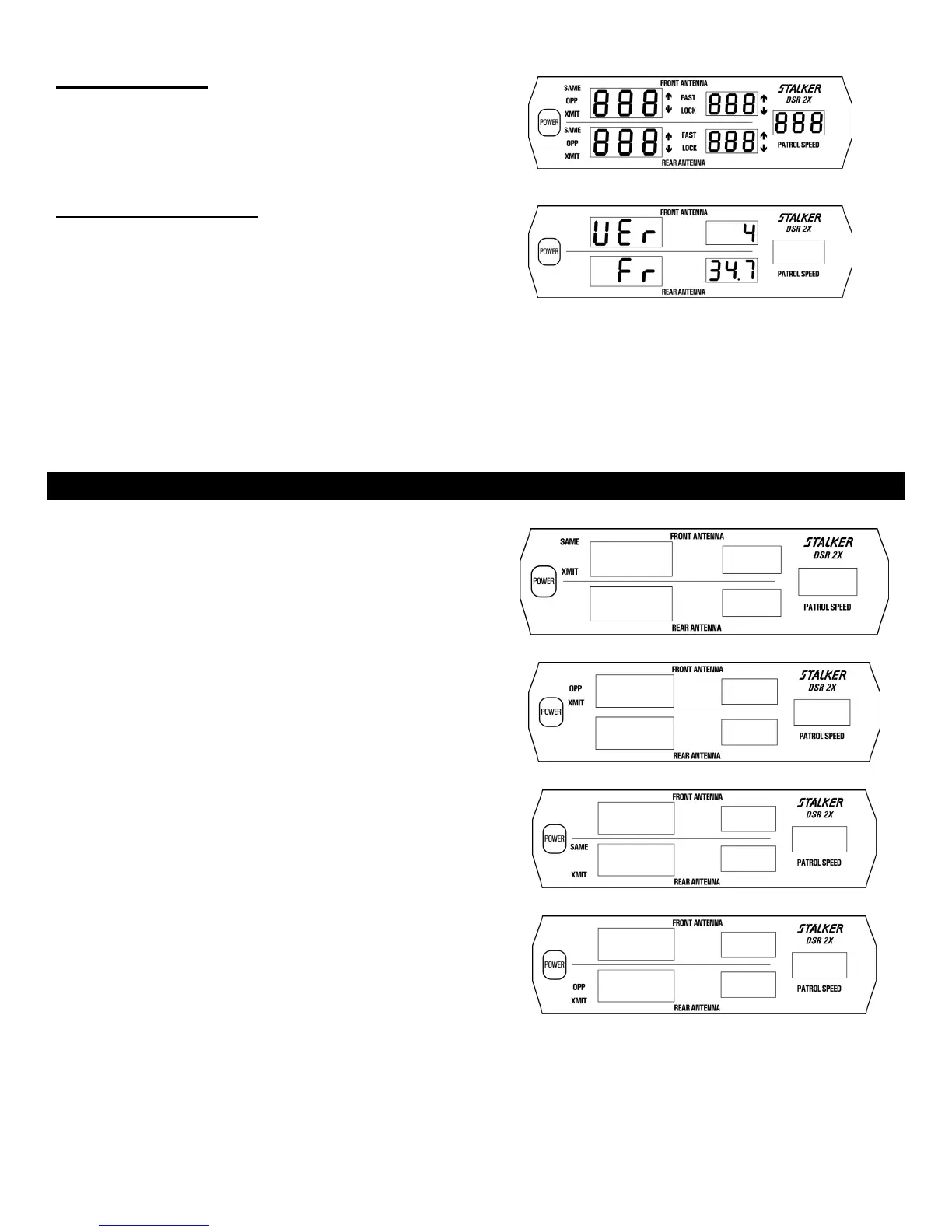
During “Power On”, while all segments are illuminated (Fig. 17),
press the MENU key to display the installed software version.
Fig. 18 indicates that software version 4 is installed. Check with
the factory for the availability of an updated software version, if
desired.
Fig. 17
Transmitter Frequency
Immediately below the software version (Fig. 18), the nominal
transmitter frequency is displayed. A transmitter frequency of
34.7 GHz is indicated.
Fig. 18
SETTING THE FOUR TARGET ZONES
The S DSR 2X is capable of simultaneously monitoring and tracking targets in up to four Target Zones in stationary mode and
up to two Target Zones in moving mode. These four Target Zones are: Front Same; Front Opposite; Rear Same; and Rear Opposite.
Each Target Zone can be individually activated using the cordless remote control.
Settin
Tar
et Zones 2X Dis
la
Unit
FRONT SAME - To activate the Front Same Target Zone, press the
front antenna SAME key. The S
DSR 2X will beep once
immediately to acknowledge that the Target Zone is activated. To
confirm activation, the front SAME and XMIT display icons will be
illuminated. Fig. 19 illustrates this condition.
Fig. 19
FRONT OPPOSITE - To activate the Front Opposite Target Zone,
press the front antenna OPP key. The S
DSR 2X will beep
once immediately to acknowledge that the Target Zone is activated.
To confirm activation, the front OPP and XMIT display icons will be
illuminated. Fig. 20 illustrates this condition.
Fig. 20
REAR SAME - To activate the Rear Same Target Zone, press the
rear antenna SAME key. The S
DSR 2X will beep once
immediately to acknowledge that the Target Zone is activated. To
confirm activation, the rear SAME and XMIT display icons will be
illuminated. Fig. 21 illustrates this condition.
Fig. 21
REAR OPPOSITE - To activate the Rear Opposite Target Zone,
press the rear antenna OPP key. The S
DSR 2X will beep once
immediately to acknowledge that the Target Zone is activated. To
confirm activation, the rear OPP and XMIT display icons will be
illuminated. Fig. 22 illustrates this condition.
Fig. 22
25



 To Next Page