Set up
HemoPoint
®
H2 User’s Guide
13
2. Next, insert the power adaptor plug into an appropriate
electrical socket. The photometer itself does not have a
power On/Off switch.
Please be patient after plugging the photometer into the electrical
socket. It may be 4 or 5 seconds before anything appears on the
display. This does not indicate a fault but is related to various
initialization steps within the photometer. Following this
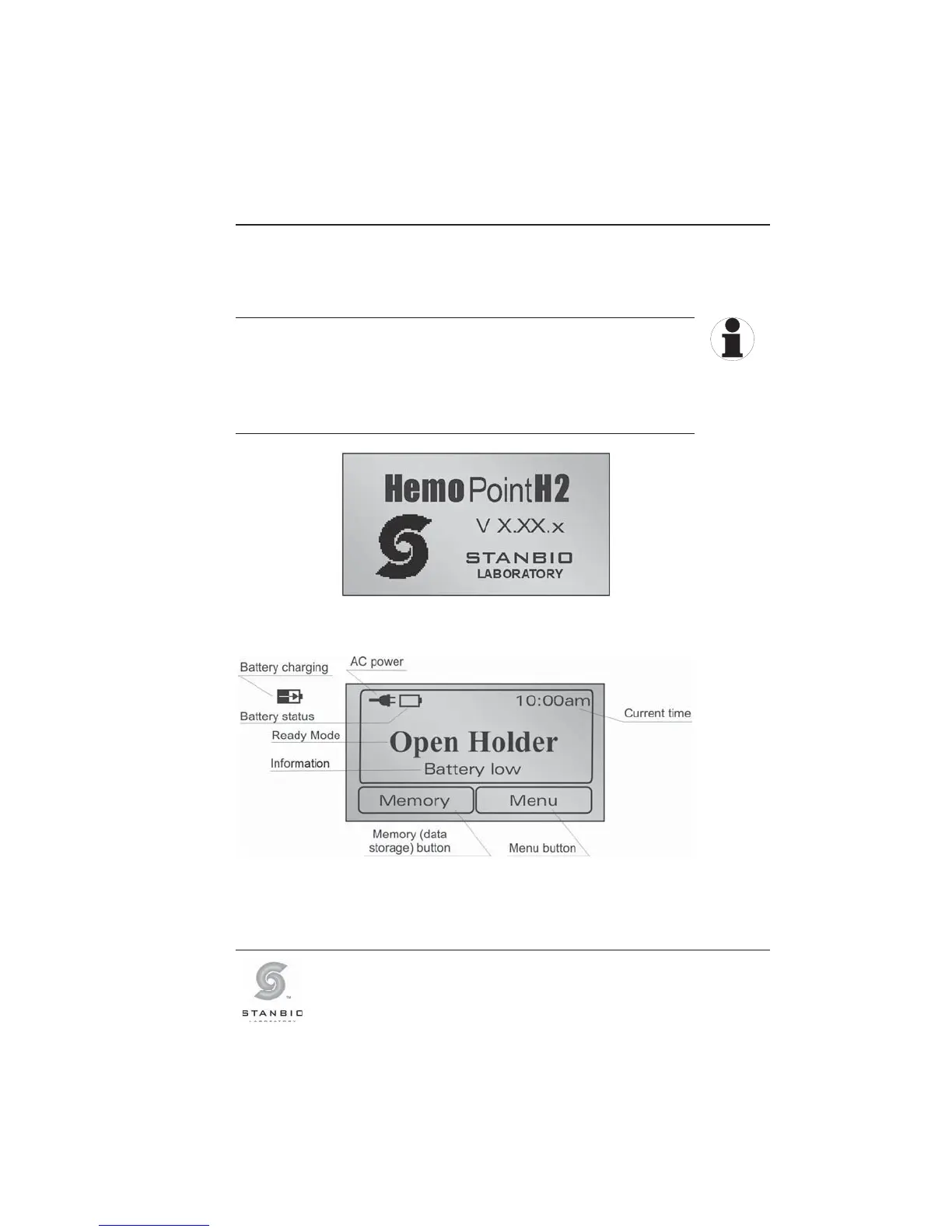
initialization phase, the display illuminates and a welcome screen
appears briefly, after which the instrument is ready to operate.
Illustration 4: Welcome display screen.
Illustration 5: Display in ready mode (Open Holder).
TIP



 To Next Page