Troubleshooting
HemoPoint
®
H2 User’s Guide
57
7.2 Resetting of the photometer
The “Reset” serves to transfer the photometer to its default
settings, without changing user-specific settings significantly. The
settings for contrast, date and time are lost.
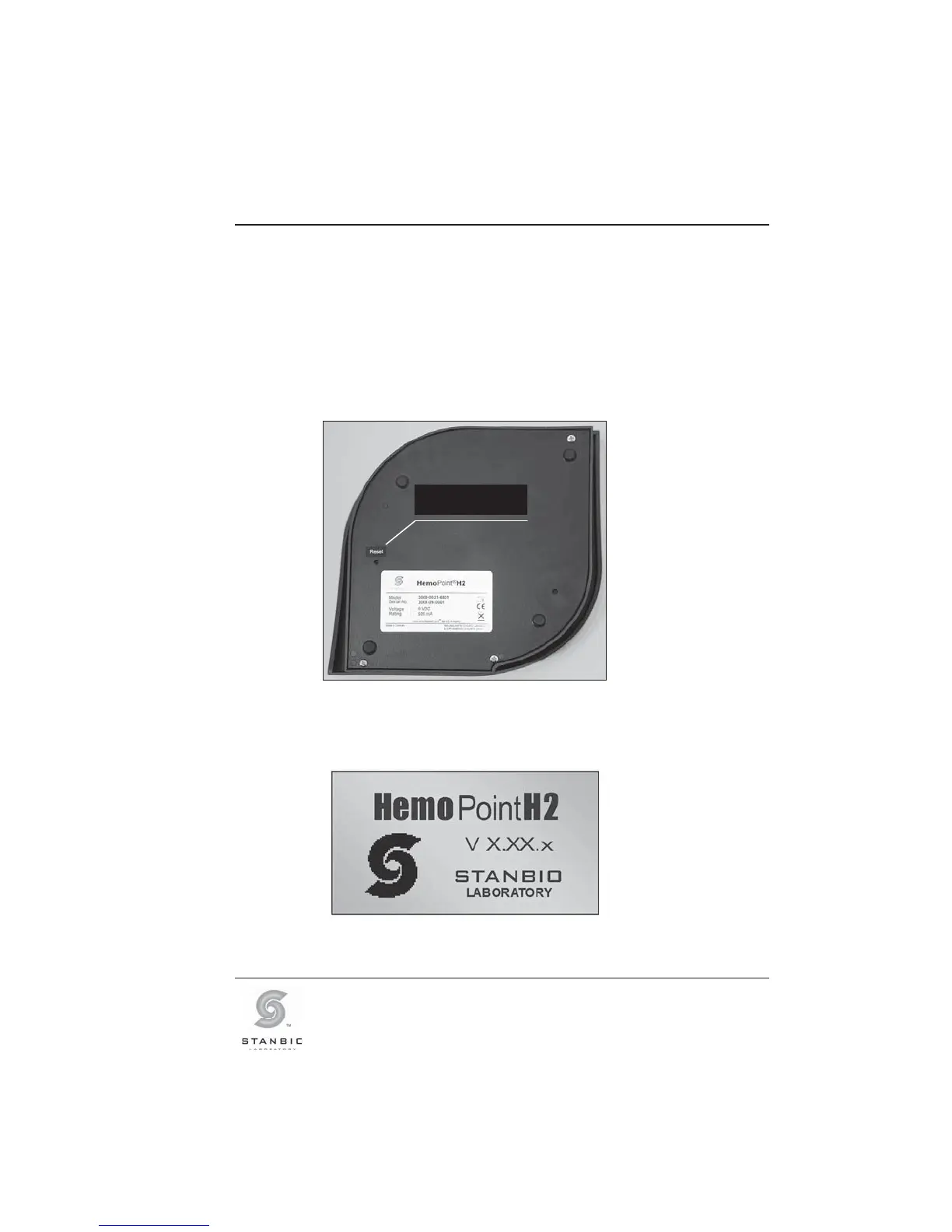
The reset button can be found on the underside of the
photometer.
Illustration 36: Location of the reset button.
To reset the photometer, simply press the button using a narrow
object such as a ballpoint pen or paperclip.
Illustration 37: Confirmation display, Reset
Reset button



 To Next Page