Further functions
HemoPoint
®
H2 User’s Guide
34
Confirm the selection with
OK
, to delete the
data storage, otherwise press
ESC
, in order
not to delete.
After deleting, the instrument changes back again to display
memory (data storage) – “Empty”.
5.3 Menu functions
The photometer has various possible settings that can be
accessed through the menu function.
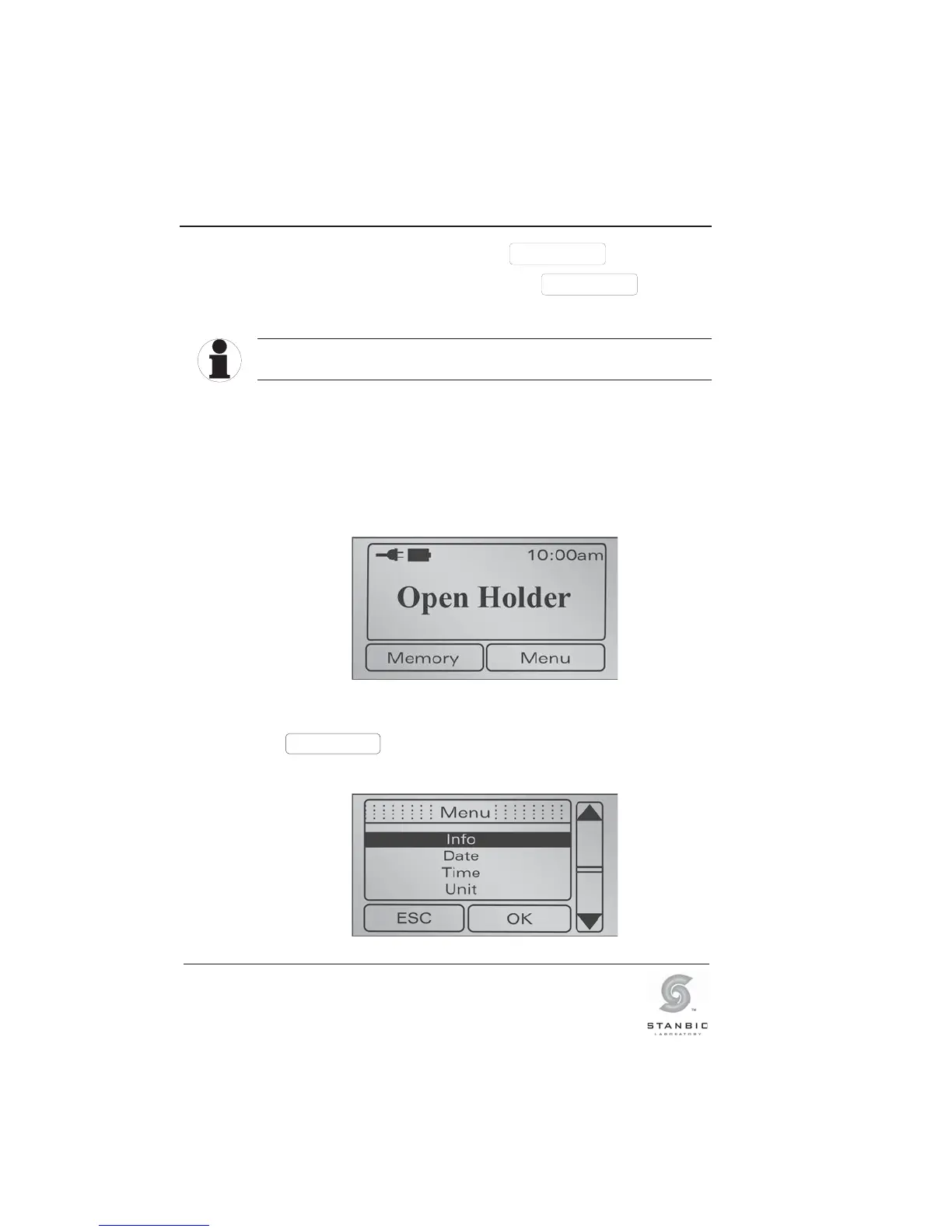
Access to the menu is possible only if the photometer is in the
ready mode.
Illustration 26: Display screen, ready mode.
Menu
Press this button to access the Menu.
You will see the following screen display:
Illustration 27: Display screen, Menu.
TIP



 To Next Page