Further functions
HemoPoint
®
H2 User’s Guide
43
5.5.2.1 Setting the tone signal
Under “Menu”, sub-menu “Options”, sub-menu “Tone” the signal
can be switched ON or OFF. This adjustment affects the button
signals as well as the signals that sound at the end of the current
test.
5.5.2.2 Setting the backlight mode
Under “Menu”, sub-menu “Options”, sub-menu “Backlight” the
backlight can be switched ON or OFF when under battery
operation. If turned ON the backlight is temporarily switched on
for all entries and actions. Under electrical power operation the
backlight is always on.
Note
: The backlight consumes power from the battery, and
therefore shortens the operation time of the instrument under
battery operation.
5.5.2.3 Setting the stand-by time
The HemoPoint
®
H2 is equipped with integrated energy
management. If the photometer is not used for a certain time, it
switches into the stand-by mode (see Section 3.3.4 “Stand-by
mode”). Under this menu, you can set the number of minutes the
photometer will remain active (ON), after which the instrument
will switch off.
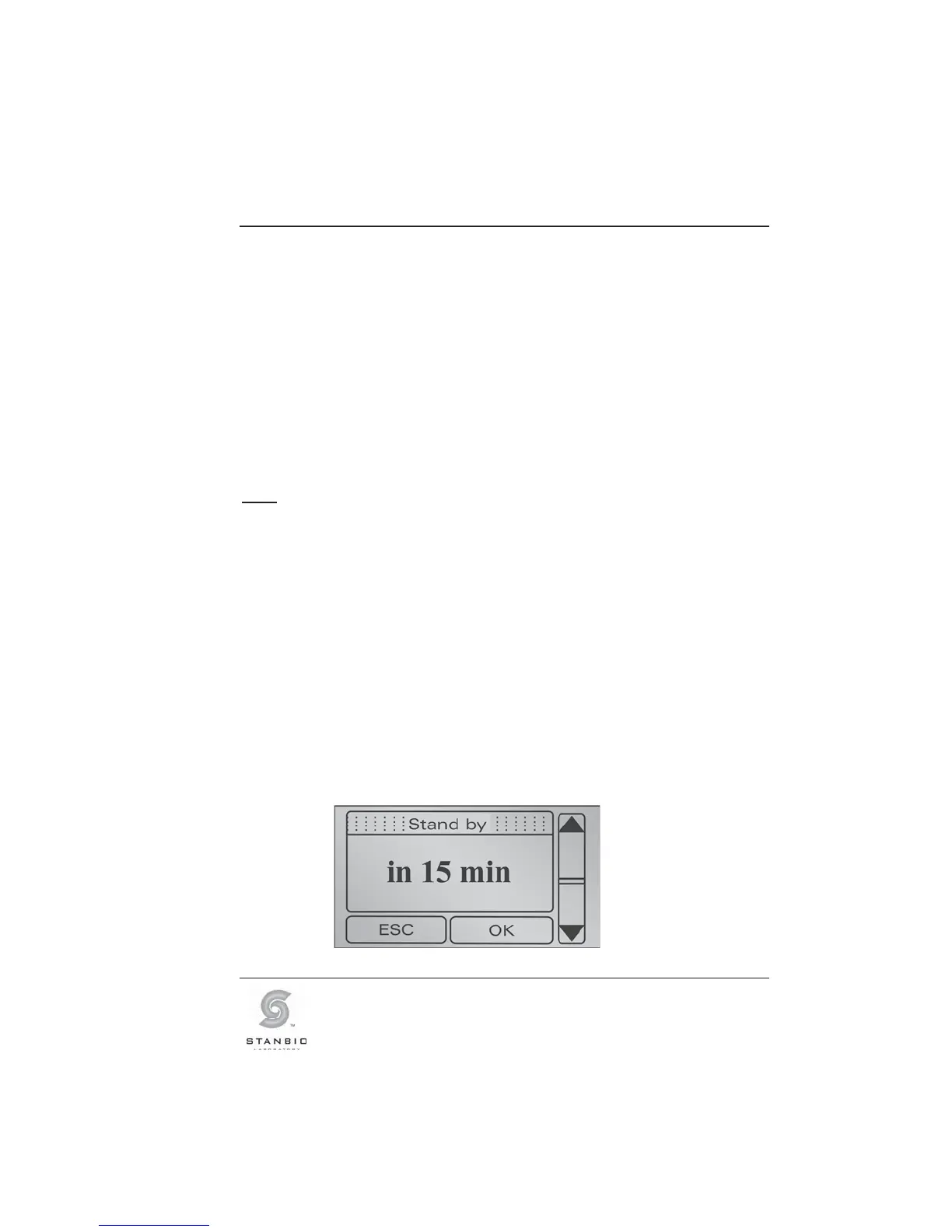
Under “Menu”, sub-menu “Options”, sub-menu “Stand-by” the
stand-by time can be set according to your preference. Use the
appropriate arrow key to either increase or decrease the stand-
by time (in increments of 1 minute).
Illustration 29: Display screen, Stand-by.



 To Next Page