Further functions
HemoPoint
®
H2 User’s Guide
31
5.1.2 Meaning of the buttons / Navigation
Function
Software button, calls up appropriate
function such as Memory or Menu.
“UP” button, selects the next higher listed
item or increases the numerical value.
“DOWN” button, selects the next lower listed
item or decreases the numerical value.
ESC
“ESC” button, leaves the menu screen or
rejects changes.
OK
“OK” button, selects the next lower menu
screen or confirms a selection.
Function
Shows a button that is inactive.
5.2 Memory (data storage)
The instrument is equipped with data storage, which can store up
to 4000 results.
5.2.1 Displaying results from memory
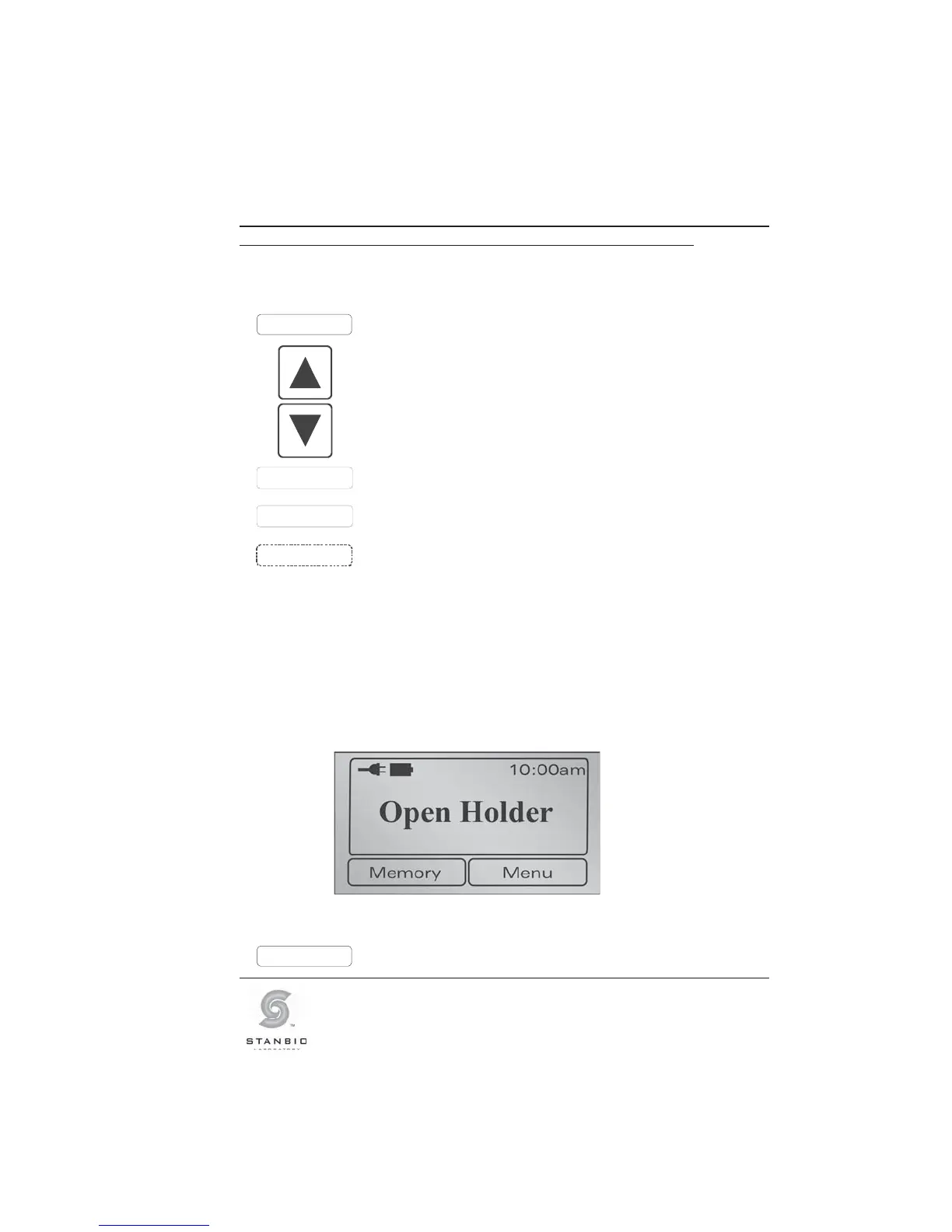
Access to the data storage is possible only if the photometer is in
the ready mode (Open Holder).
Illustration 24: Display screen, ready mode (Open Holder).
Memory
Press this button to display the test data.



 To Next Page