Further functions
HemoPoint
®
H2 User’s Guide
32
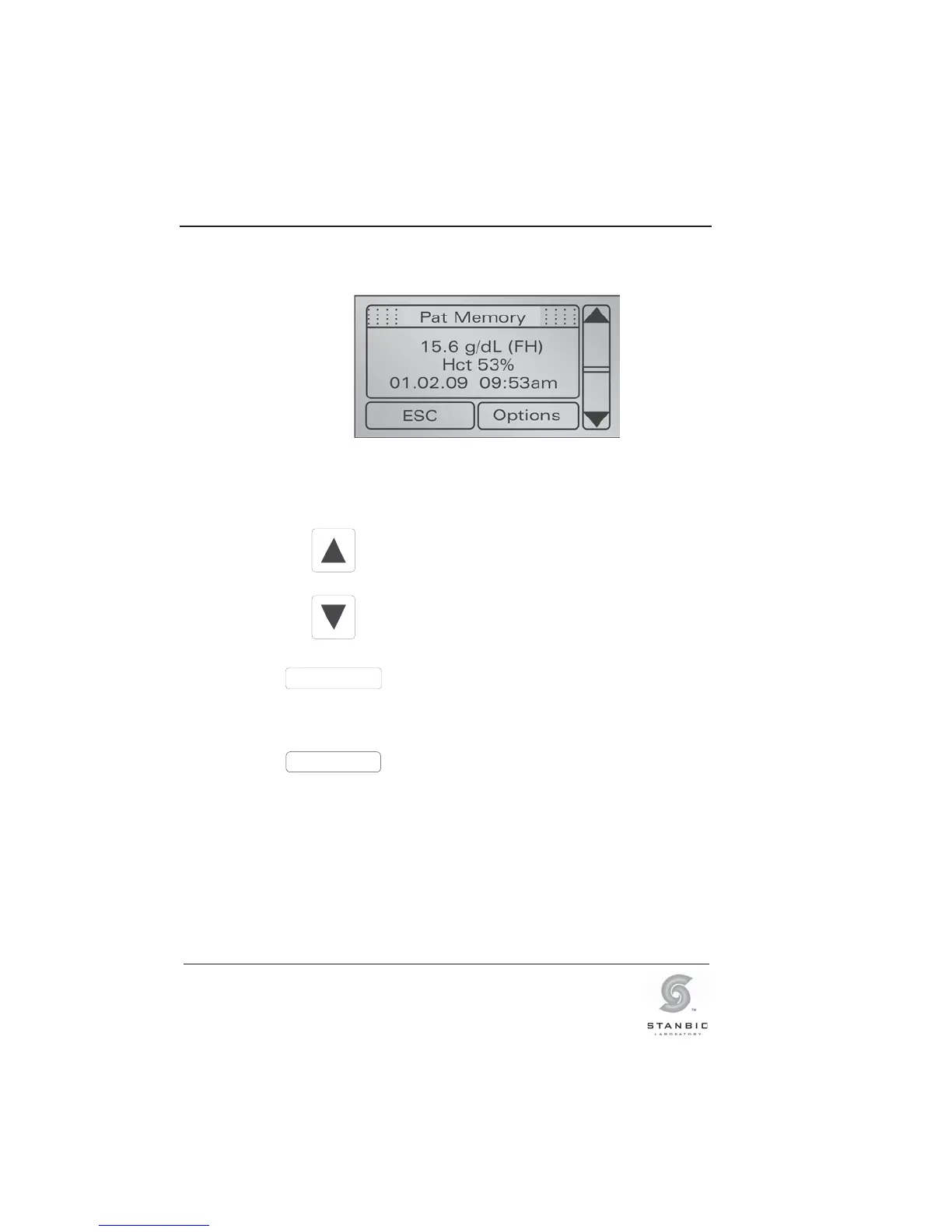
You will see the following screen display, for example:
Illustration 25: Display screen, data storage.
The entry displayed is the most recent result.
Press this button to display preceding
results until you reach the first entry on
the list.
Press this button to display successive
results, until you reach the last entry on
the list.
ESC
Press this button (Escape) to leave the
memory (data storage).
Options
Press this button to select the menu
“Options”. In this menu you will find
additional functions for printing and for
deleting results.
Further information in this regard can be
found in Sections 5.2.2 and 5.2.3.
If correlation is activated (see Section 5.3.1 “Information about
the photometer”) you may see - - - or +++ symbols at any
positions in the data storage. This indicates that the real results
cannot be shown with the current settings of the correlation
function, because they exceed the testing range.



 To Next Page