Deck Switch
3.2.1 Deck Switch
9
In some cases, you might also see the Deck Switching buons used for things like alternave layouts.
It really depends on the mapping and the applicaon. In any situaon, the Deck Switch buons allow
the SCS.3m to effecvely double its number of controls while maintaining the same small form factor.
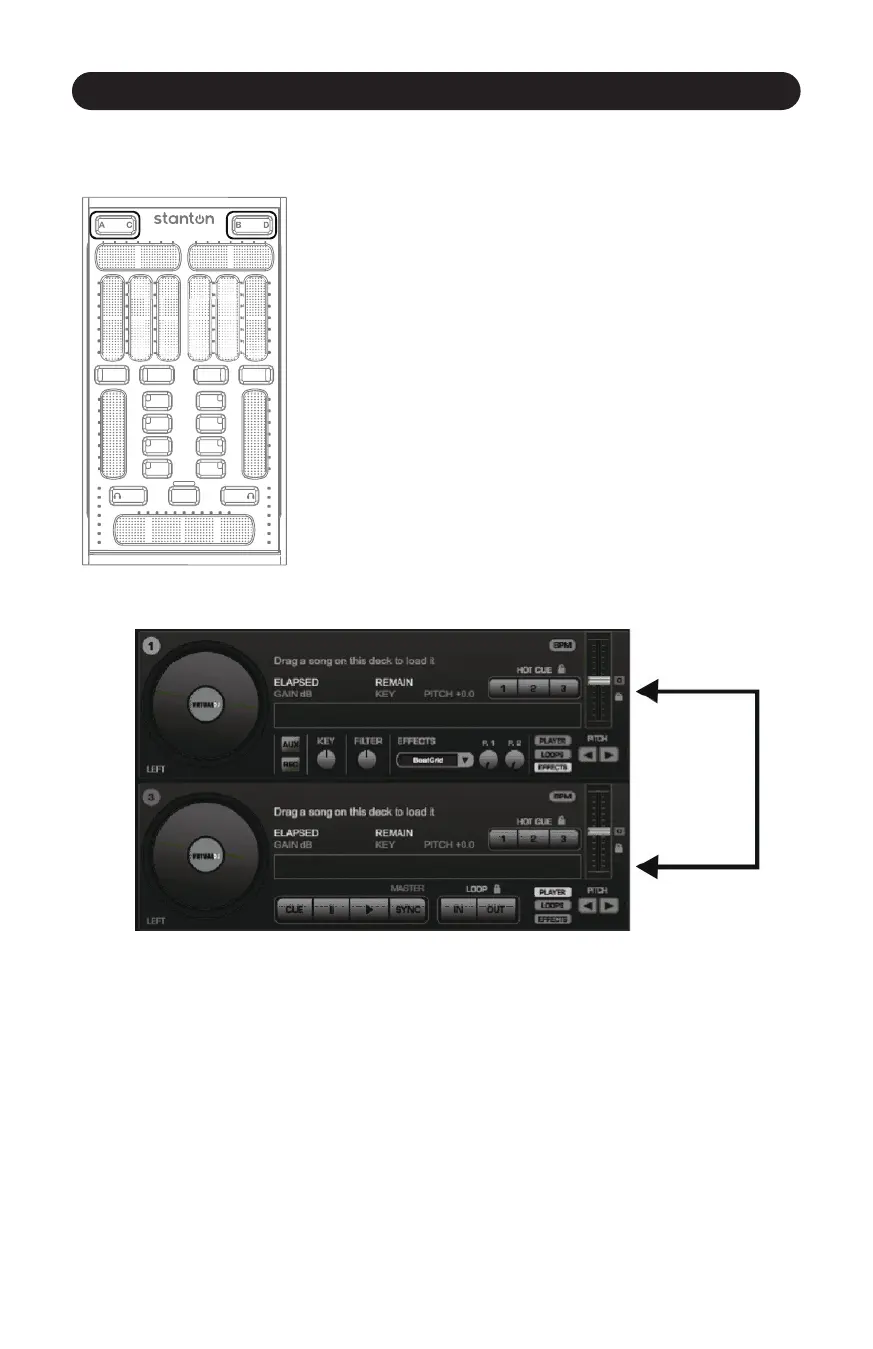
Figure 3.6
The Deck Switch buon allows for each side of the SCS.3m to be
switched between 2 virtual decks. Each side can be toggled
independently, thus allowing 4 channels to be controlled in a
convenonal 2-channel design. (Figure 3.6)
In each Deck Switcher, there is a backlit leer (either A and C, or B
and D) to indicate which virtual channel that side of the SCS.3m is
controlling. The SCS.3m will keep current the controls for both decks
and update to the latest values when returning to a deck.
This is done by providing a different set of MIDI controls that can be
used to map to a different channel in a program such as Virtual DJ,
or provide an addional set of controls in other applicaons. All of
the controls for all "decks" and modes such as EQ, FX and Master
are transmied on one channel number so the SCS.3m only takes
up one MIDI channel number in your MIDI setup. (Figure 3.7)
Figure 3.7



 To Next Page