Buon Secon
12
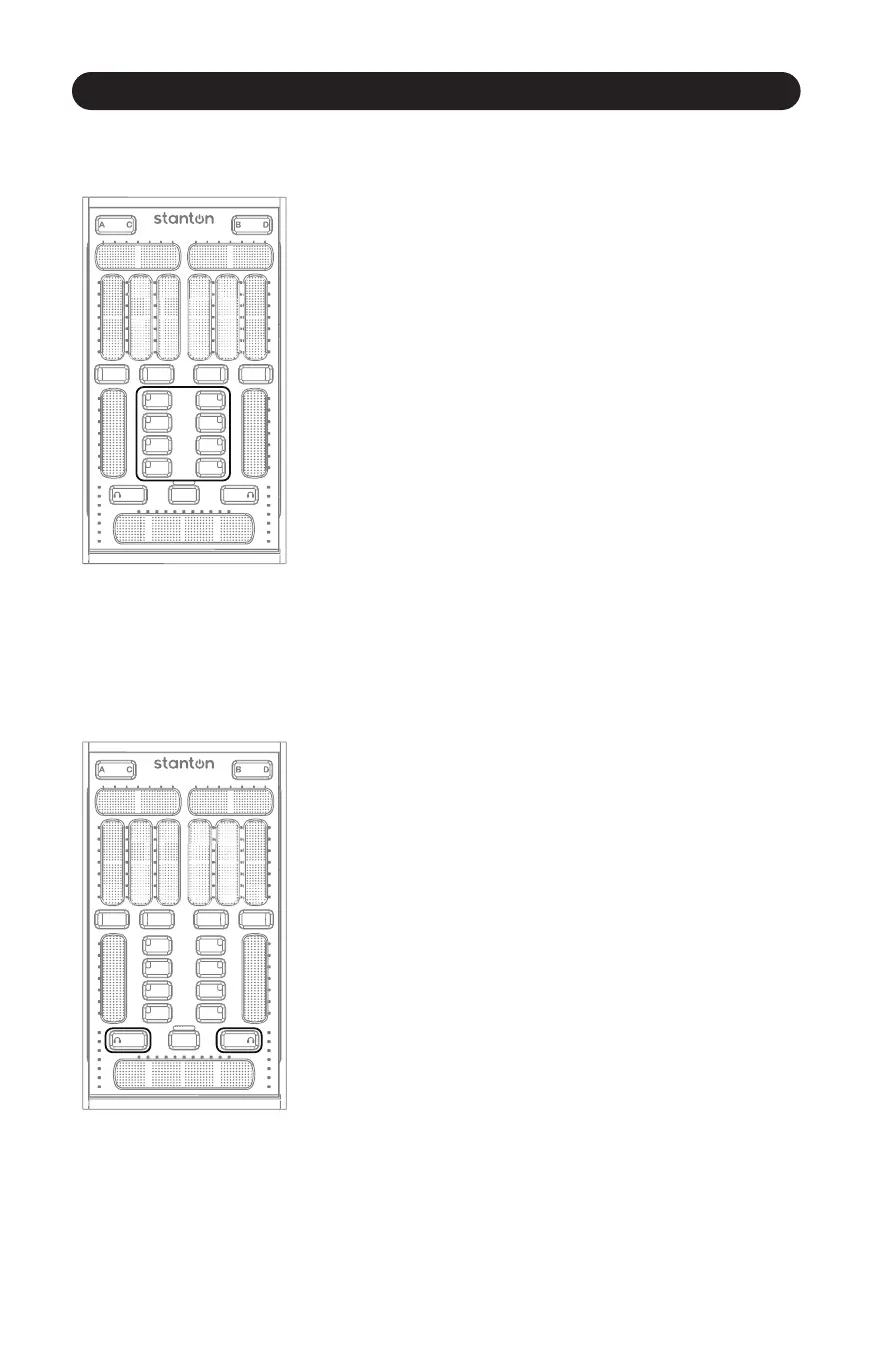
3.2.5 Buon Secon
Figure 3.12
The Buon Secon consists of four buons with mulcolor feedback
for control of on screen buons or triggers. These can be assigned
to EQ kills, FX engage, or other MIDI assignable features.
(Figure 3.12)
The buons next to each Channel Fader can be assigned to anything
you want. You might see them controlling the effects in Virtual DJ,
or samples and loops in Serato Scratch Live™.
3.2.6 Monitor Buon
Figure 3.13
The Monitor Buon allows for quick and easy toggling of the current
channel for previewing a song before dropping it into a mix.
(Figure 3.13)



 To Next Page