Deck Switcher
20
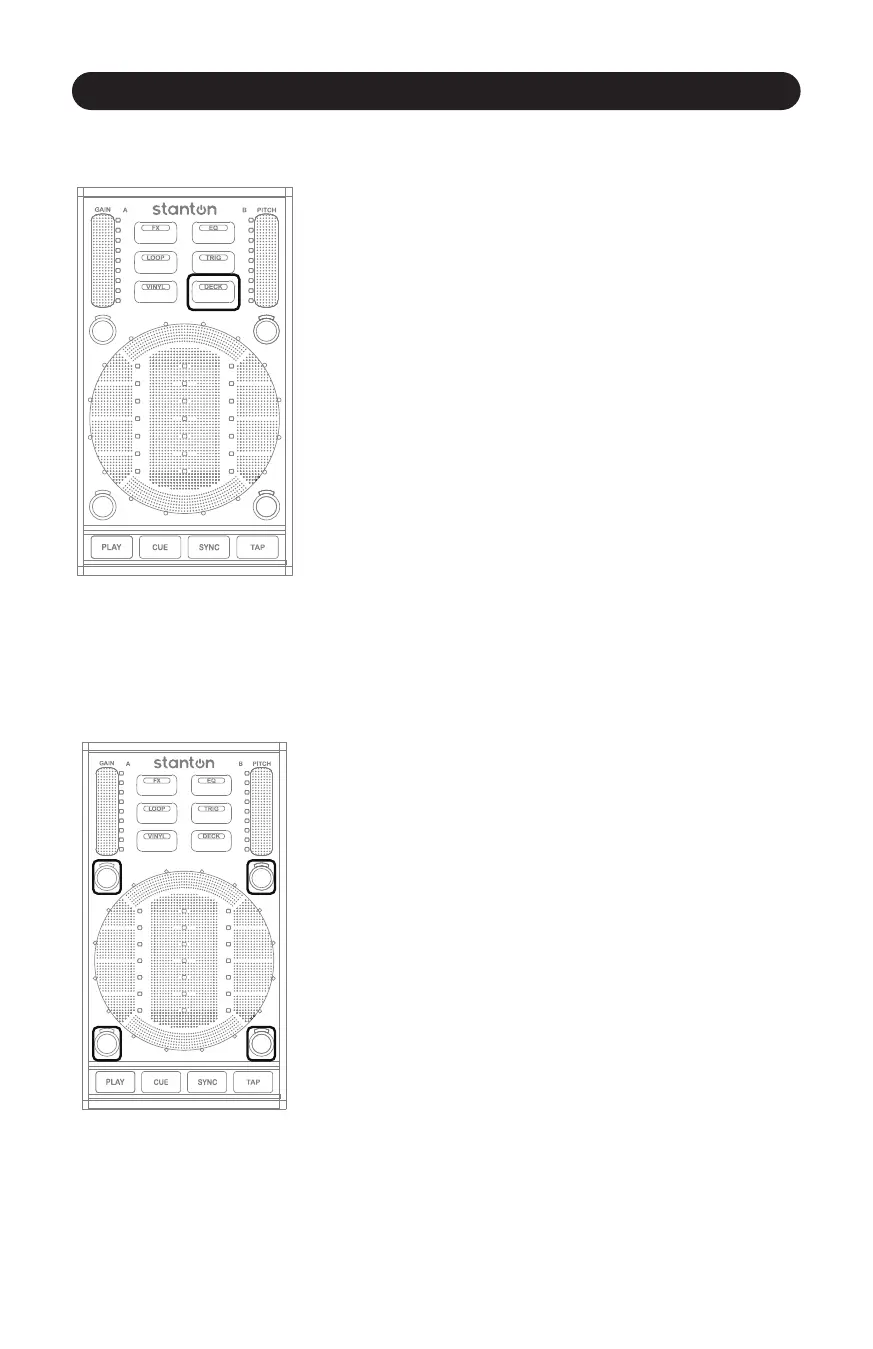
4.2.2.6 Deck Switcher
Figure 4.12
Just like on the SCS.3m, the Deck Switch buon allows us to double
the amount of control possible with the SCS.3d. (Figure 4.12)
Pressing the DECK buon toggles the SCS.3d between 2 virtual
decks. This makes it possible to easily control all 4 decks in Virtual
DJ LE with the 2 SCS.3ds in this package (the SCS.3d on the le would
toggle between Virtual DJ decks A and C, and the SCS.3d on the right
would toggle between decks B and D).
4.2.3 Trigger Buons
Figure 4.13
The Trigger buons are the 4 small round buons surrounding the
StanTouch Control Area. (Figure 4.13) They normally change their
funcon depending on what mode is currently acve. So if EQ Mode
is selected, they might be used to kill different frequency ranges.
If Vinyl Mode is selected, they may instead be used to acvate beat
jumps. The most important thing to remember is that these
4 buons usually change what they do according to what mode is
selected.



 To Next Page