Connect the SC System 3/Installing Virtual DJ
2. Connecng the SCS.3 Controllers
In this secon we will briefly describe how to connect the SC System 3.
3
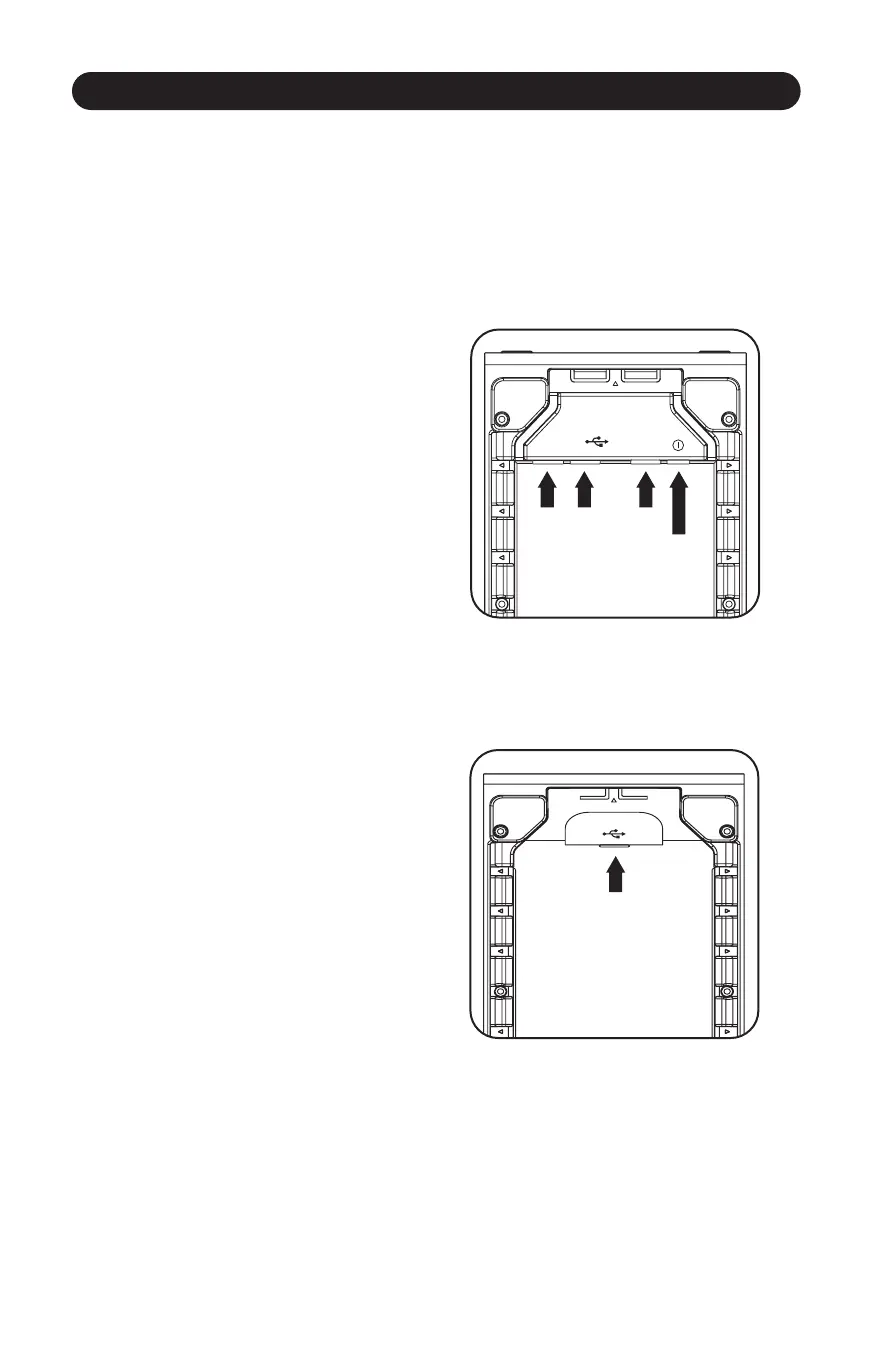
2.1 Remove the Rear Panels
Open the rear panel of the SCS.3m and two SCS.3d controllers.
USB TYPE A USB TYPE B
8
mm 12 VDC
Figure 2.1
Figure 2.2
On the SCS.3d, you will find a USB type “B”
socket. (Figure 2.2)
On the SCS.3m (Figure 2.1), you will find:
(2) USB type “A” sockets
(1) USB type “B” socket
(1) 8 mm 12 VDC power supply



 To Next Page