Installing and Configuring DaRouter
Installing and Configuring DaRouter
Installing DaRouter
On your SCS.3 Support CD, you will find an install folder for an applicaon called DaRouter. While
Virtual DJ provides plug and play funconality (no need to run DaRouter), SCS.3’s reconfigurable nature
means that it requires a MIDI translaon applicaon and preset manager to work with other
applicaons. DaRouter serves both funcons, leng you use SCS.3 with applicaons other than Virtual
DJ LE and Virtual DJ Pro.
5.1 Installing on Windows® (For OSX, please turn to page 27)
In this secon, we will cover how to install DaRouter in your Windows machine.
5.1.1 Installing DaRouter
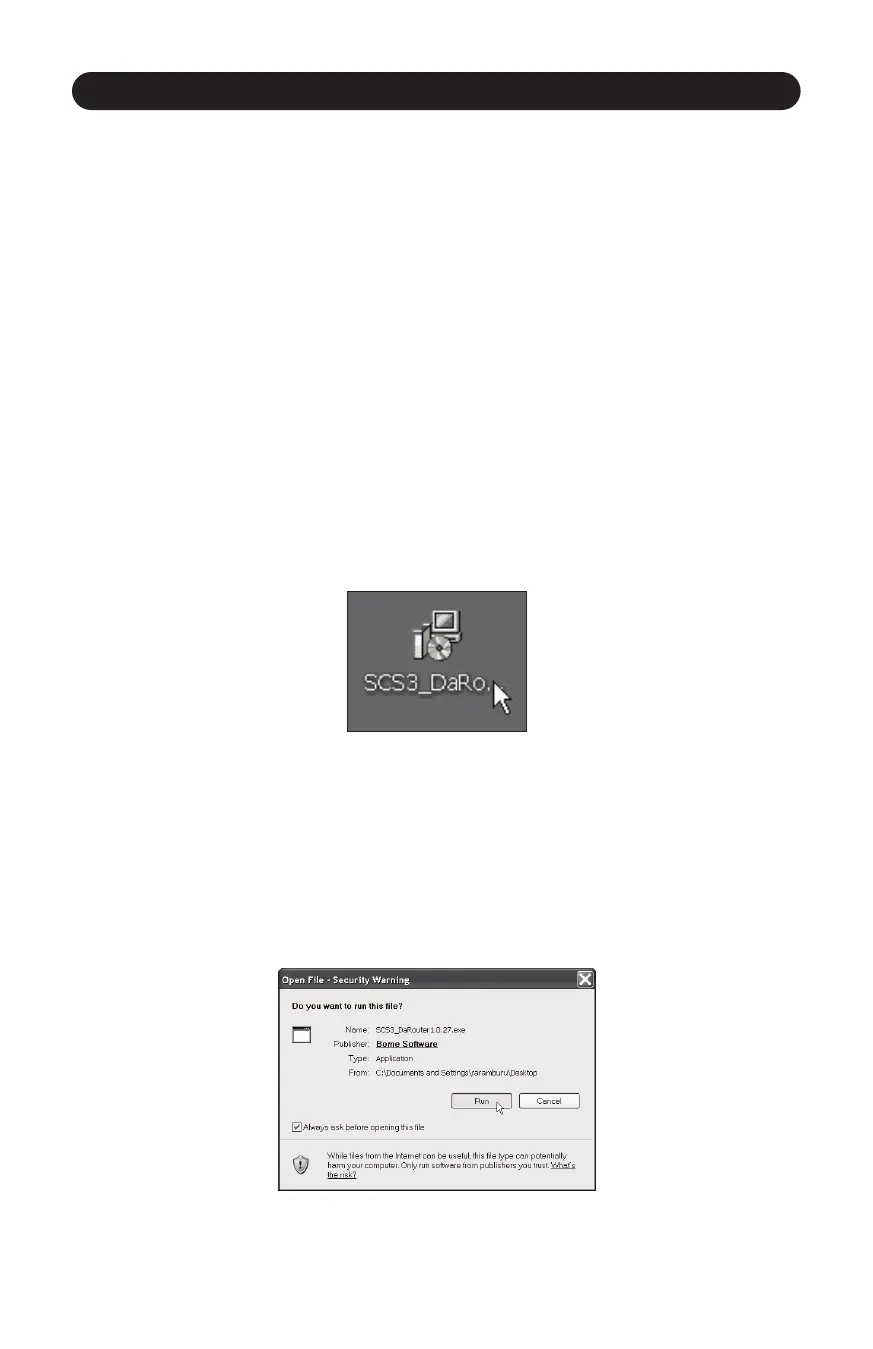
1. Double click the SCS.3 DaRouter installer. (Figure 5.1)
23
2. If the following Security Warning message appears, click Run. (Figure 5.2)
Figure 5.1
Figure 5.2



 To Next Page