15
4. SCS.3d Descripon
4.1 SCS.3d – Tradional Deck Comparisons
The SCS.3d was developed to give you the kind of control normally associated with CD decks, but in
a small, portable layout. Just like its more tradional counterparts, the SCS.3d is broken up into 3 main
areas; Plaer Area, Pitch Fader, and Transport Buons. Let’s begin by describing each area.
4.1.1 “Plaer” Area
4.1.2 Pitch Fader
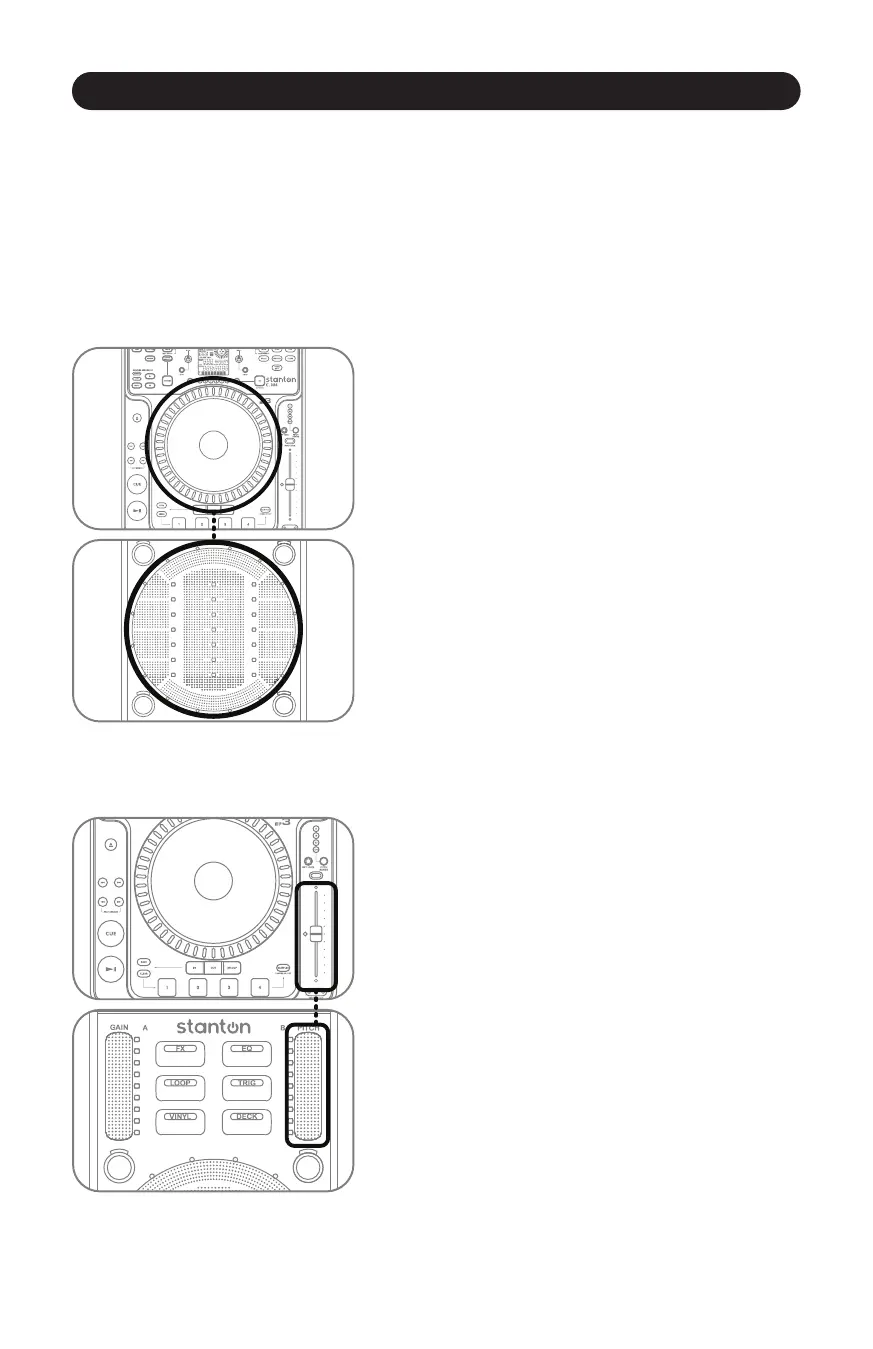
The Plaer Area is where the user manipulates a song.
(Figure 4.1) This is where you put your hand to cue,
or manually adjust a track. On a tradional CD player, the
song would be playing off a CD contained in the unit itself.
On the SCS.3d, the song would be playing from a soware
deck on a computer.
Figure 4.1
The Pitch Fader is where you control the playback speed
of the deck. (Figure 4.2) It is the single most important
control for beatmixing.
Some DJs constantly “ride” the pitch fader when
beatmixing songs together, while others set it and
manipulate the plaer to make any fine adjustments.
Choose the approach that feels right for you.
Figure 4.2
SCS.3d Descripon



 To Next Page