Master Mode Buon
13
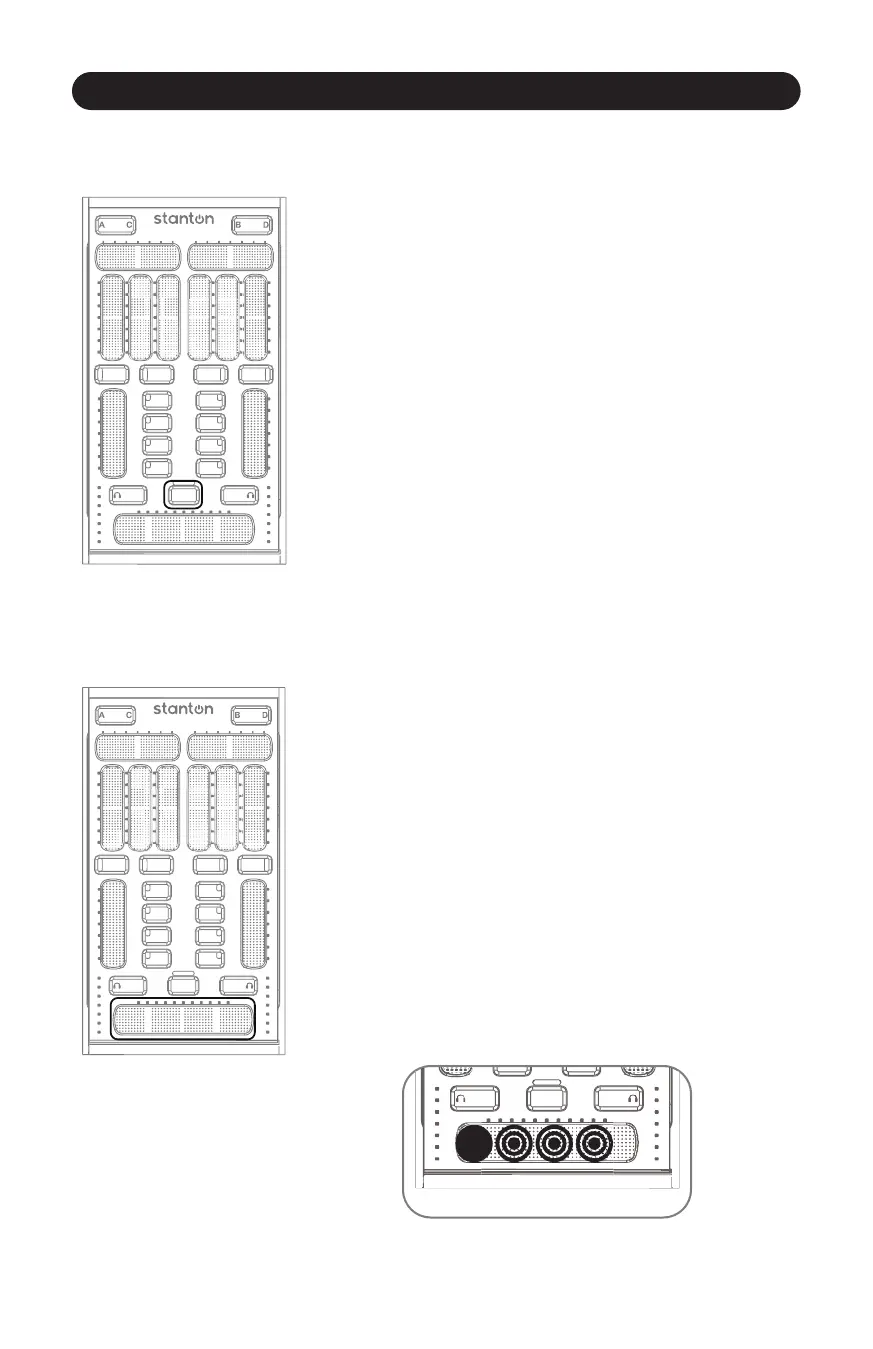
3.2.7 Master Mode Buon
Figure 3.14
When the Master Mode Buon is engaged, the Channel Faders and
Crossfader temporarily become controls for monitor volume,
master volume, and monitor mix. The VU meters also display the
master levels for checking a clean output signal from your computer.
To enter “Master” mode, press and hold the Master buon.
The SCS.3m will remain in Master mode as long as you hold your
finger on the Master buon. (Figure 3.14)
3.2.8 Crossfader
Figure 3.15
The extended length Crossfader gives extra fine control of blending
between channels and more surface to perform mul-touch effects
with two fingers for quickly cung in and out of channels.
(Figure 3.15)
Let’s say you wanted to emulate the sound of a crab scratch or flares
using the SCS.3m crossfader. While there is not a back stop to
bounce against, we can take advantage of mul-touch here and get
something very similar. Try holding your index finger at the furthest
end of the crossfader, and then drumming your other fingers
(middle to pinky) on the surface next to it. (Figure 3.16)
Figure 3.16



 To Next Page