FX Mode
18
4.2.2.1 FX Mode
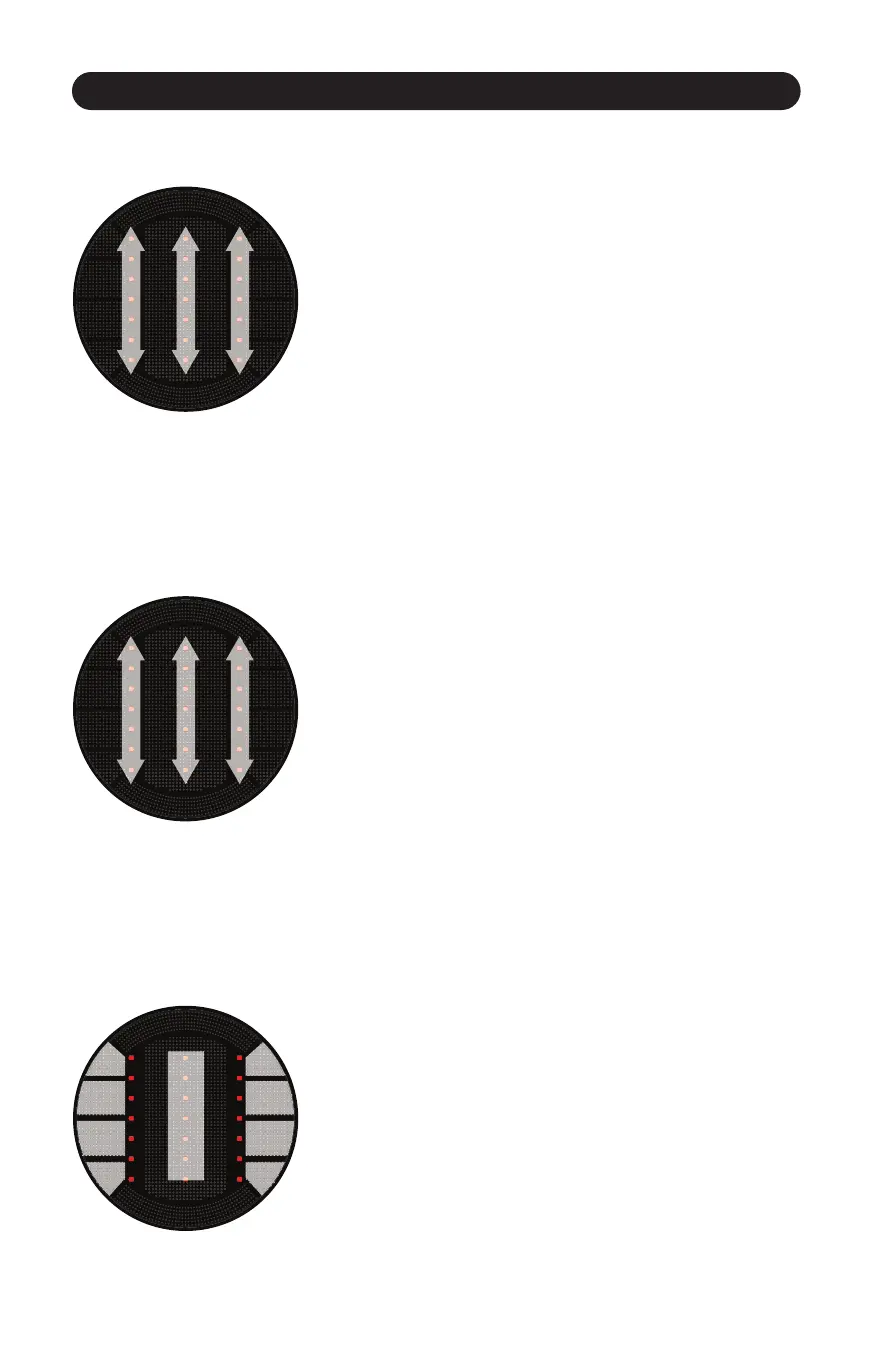
Figure 4.7
FX Mode usually turns the StanTouch Control Area into 3 vercally
aligned “sliders” (or virtual faders). (Figure 4.7) These 3 sliders would
then be mapped to the effects funconality in whatever soware
you are using.
4.2.2.2 EQ Mode
Figure 4.8
Like FX Mode, EQ Mode usually turns the StanTouch Control Area
into 3 vercal sliders. (Figure 4.8) These 3 sliders would then be
mapped to a 3 band EQ in your soware.
4.2.2.3 Loop Mode
Figure 4.9
Loop Mode changes the StanTouch Control Area into buons.
(Figure 4.9) There are actually 9 disnct buon areas in the control
area, but some presets will combine buon areas to make bigger,
easier to press buons. For example, many presets break the Control
Area up into 5 buons (2 on each side, and one big buon in the
middle). These buons would then be mapped to looping funcons
(start/stop loop, loop length, etc).



 To Next Page