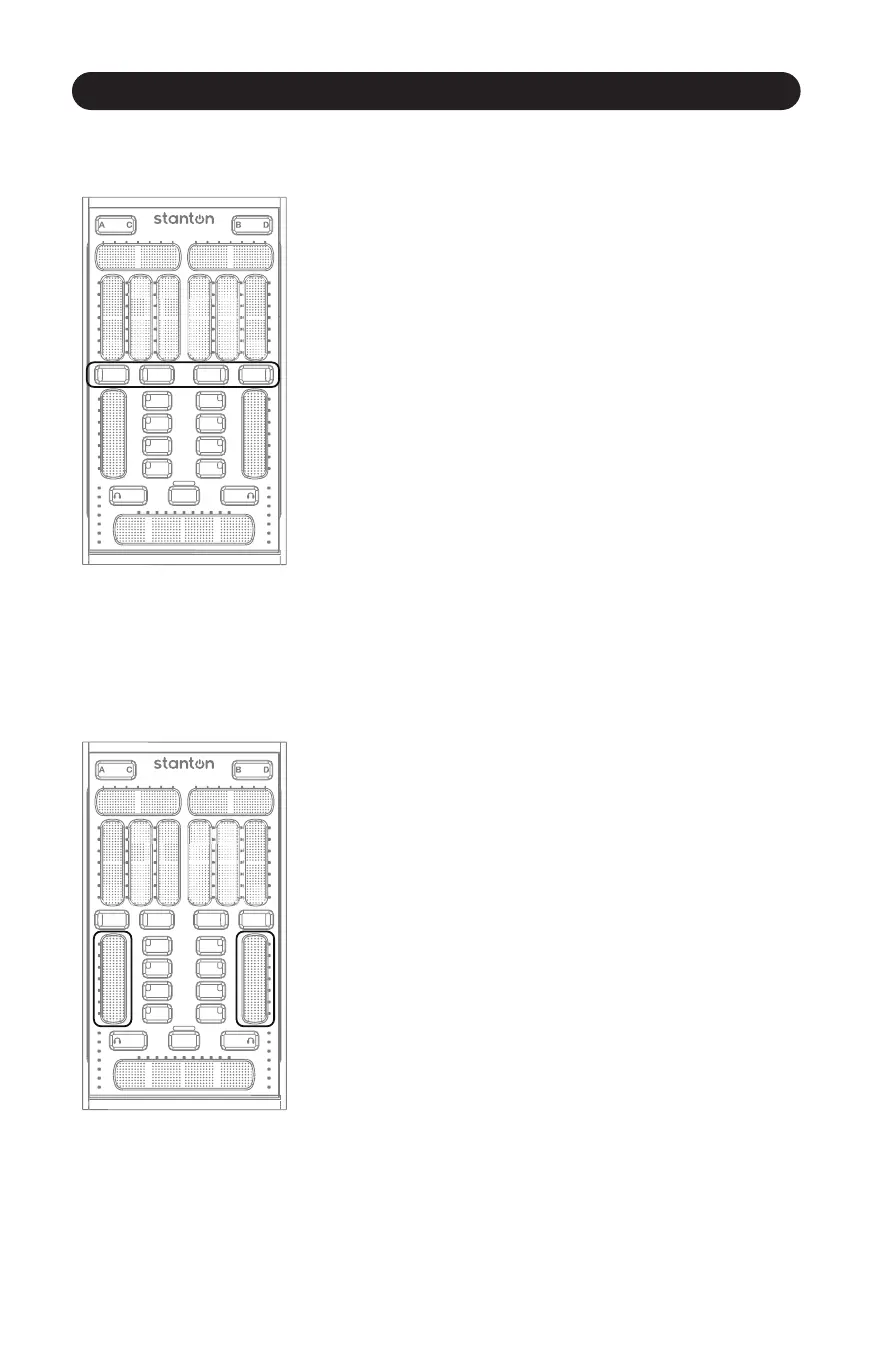
EQ/FX Mode Switches
3.2.3 EQ/FX Mode Switches
11
Figure 3.10
These buons will toggle the Slider Secon and Buon Secon
between EQ controls and FX controls. Allows for 4 buons and 4
sliders per deck. When switching modes the latest values for that
mode will be displayed. (Figure 3.10)
3.2.4 Channel Fader
Figure 3.11
The Channel Fader is always assigned to control each channel’s
volume (even when you are in EQ/FX mode). With StanTouch
technology, it is easy to do quick kills or gradual fades using this
touch strip.
Like the other SCS.3m sliders, the Channel Fader lets you know its
value with the LED strip next to it, and it will remember and recall
its value when you switch channels. It is also mul-touch capable.
Do you want to do a transform but don’t have a LINE/PHONO
switch? Try holding one finger at the boom of the fader while
tapping the top of the fader with another. This is easy to pull off with
one hand, and accomplishes the same kind of effect. (Figure 3.11)



 To Next Page