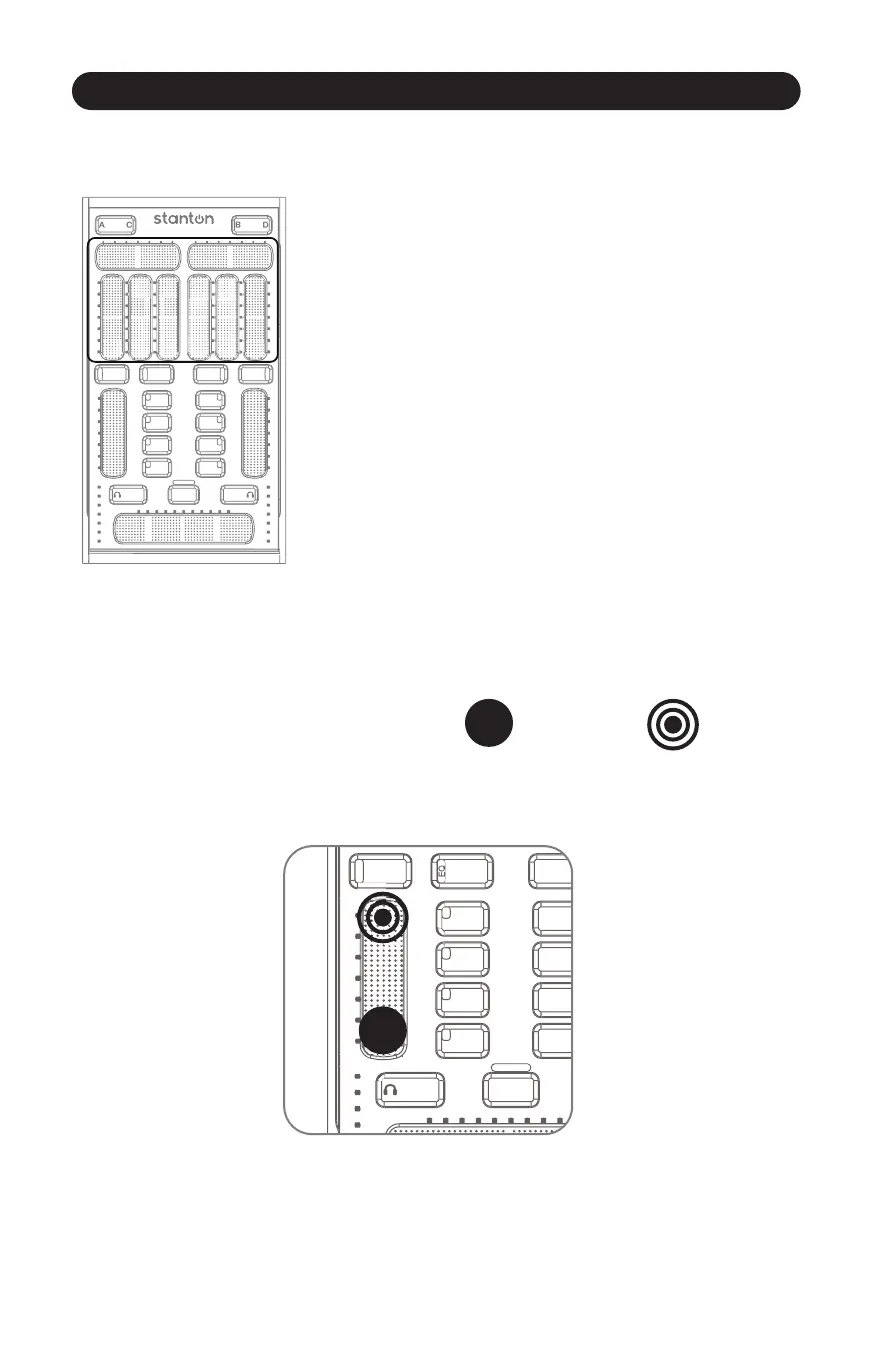
Slider Secon
3.2.2 Slider Secon
10
Figure 3.8
The slider secon features 4 virtual sliders per deck, which can be
toggled to control EQ or FX (or any other MIDI assignable control).
(Figure 3.8)
The value of each slider is shown on the LEDs next to it. If you switch
the Slider Secon to a different mode (for instance, from EQ to FX
mode), the SCS.3m will remember your sengs and restore them
when you switch back.
Figure 3.9
The sliders on the SCS.3m are touch sensive “virtual faders.” Moving your finger across one is like
moving a fader, or turning a knob. Sounds prey simple, and it is. However, there is another aspect
to the sliders that is not obvious, and that is their “mul-touch” capability.
Using mul-touch on different sliders can produce some very interesng results. The faders can also
be used as relave controls, allowing for very fine control of parameters with a total range greater
than the length of the slider.
Note: Throughout the manual we will use the HOLD
icon understand the mul-touch feature.
and the TAP icon to help you
To do a mul-touch, press and hold one point on a slider, and then tap a different locaon.
(Figure 3.9).



 To Next Page