StanTouch Control Area
21
4.2.4 StanTouch Control Area
Figure 4.14
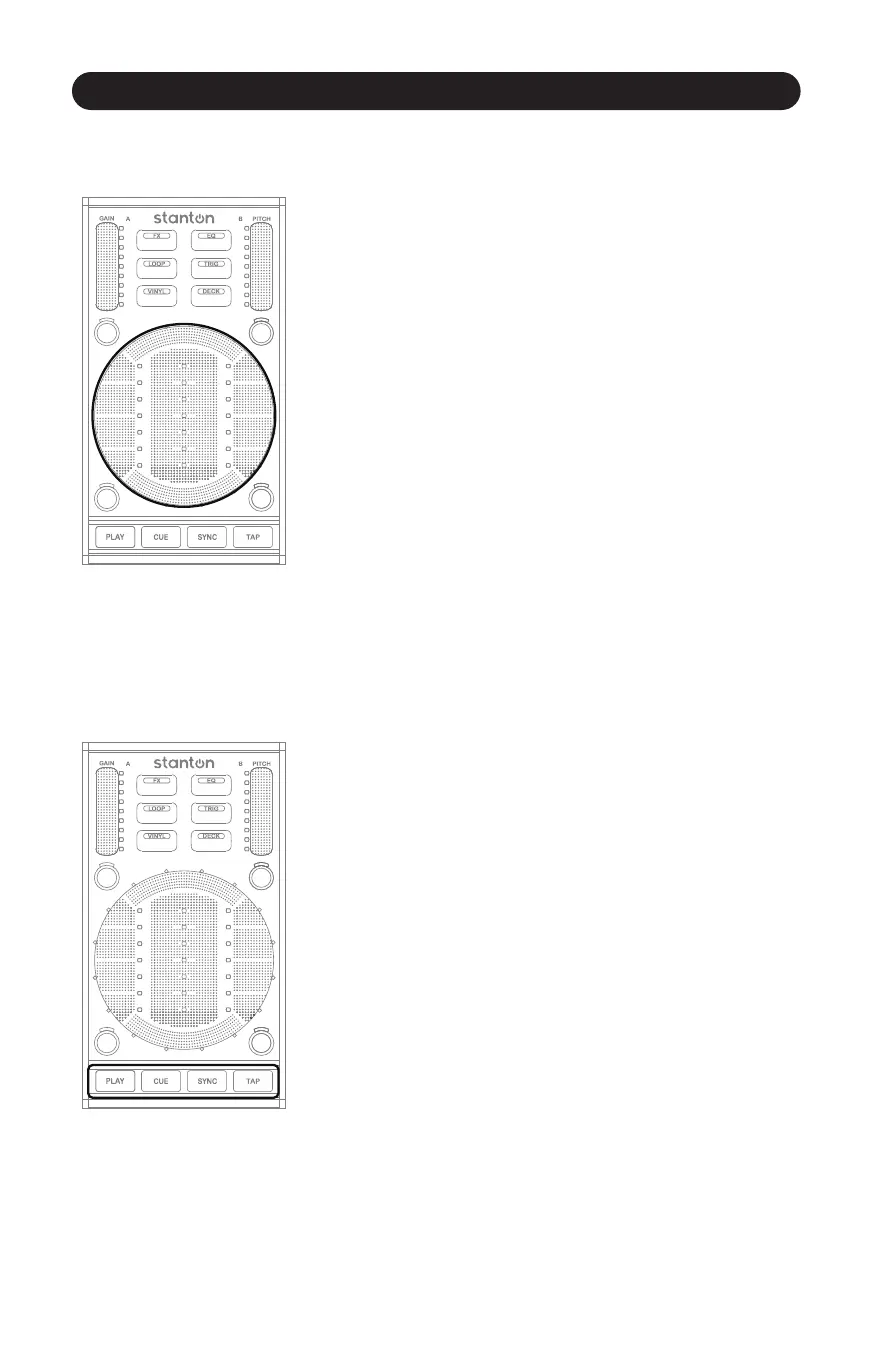
The StanTouch Control Area is really the “star” of the show on the
SCS.3d, and it is where your hand will be spending most of its me.
(Figure 4.14) From cueing tracks to adjusng EQs, this is where you
will be working.
4.2.5 Transport Controls
Figure 4.15
The Transport controls are the 4 buons at the boom of the SCS.3d.
(Figure 4.15) Because these controls are so oen used; we have
chunky buons that give a good click when you press them.
In general, these buons would be mapped to the PLAY, CUE, SYNC,
and BPM TAP features in your soware of choice. But remember
that like all the other controls on the SCS.3d, these can be assigned
to any funcon.
The beauty of MIDI is that assignments are flexible, and features can
be re-mapped according to your preferences.



 To Next Page