User’s manual
27
3а
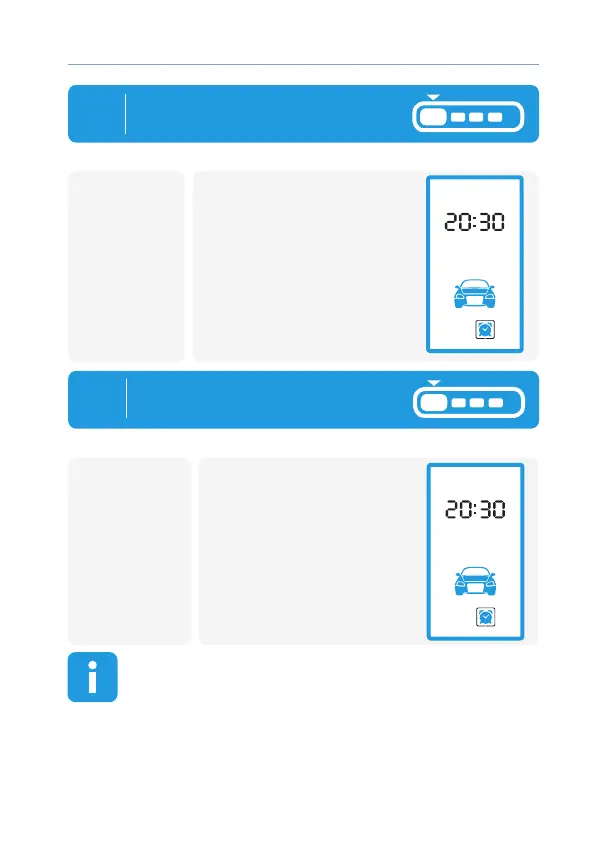
To switch ON selected mode
press button 1:
• 1 light ash
• 1 melody and 2 short
beeps;
• After exit setting mode
selected icon will be
highlighted constantly
(mode is ON).
remotecar
car
3б
To switch selected mode OFF
Press button 1:
• 2 light ashes
• 1 melody and 2 short beeps;
• After exit settin mode
selected icon hightligt will
be OFF
(mode is OFF).
remote
To exit setting mode by cursor long press button 1 (until
sound appear) If during 5 sec it will no buttons pressings
remote control will exit setting mode automatically



 To Next Page