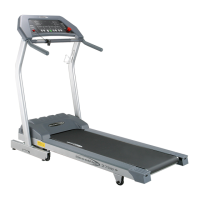
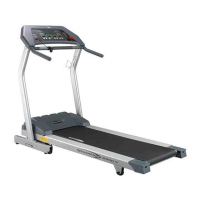
XT6600/6800
31
RUNNING COURSES (3)
Let the treadmill create a challenging workout for
you!
After entering your weight, the Manual workout will be selected.
Press the Select button until the LED next to RUNNING COURSES
is lighted.
Press
the Speed or Incline
Arrow buttons to choose an effort level -
Beginner, Novice
or Expert. The higher the LED profile, the more
challenging the
workout.
Press the Start button to immediately begin the workout or press
the Enter button to accept the effort level and choose a goal for the
workout - Time, Calories or Distance.
If you press the Enter button, choose a goal using the Arrow but-
tons to display the goal you desire. Once the goal is displayed,
press the Enter button to accept the choice.
TIP: If you select one goal and change your
mind, press the Stop button to go back to
the goal choices.
Next, use the Speed or Incline Arrow buttons to enter a value for the
goal and press
the Enter button to accept it.
The Running Courses' workout profile consist of one session of 10
segments. Each segment is four (4) LEDs each - each LED repre-
sents 15 seconds.
After the 10-minute session is completed, it automatically begins
again (for workouts over 10 minutes in duration).


 To Next Page