Wave User Guide
22
© 2017 Stenograph
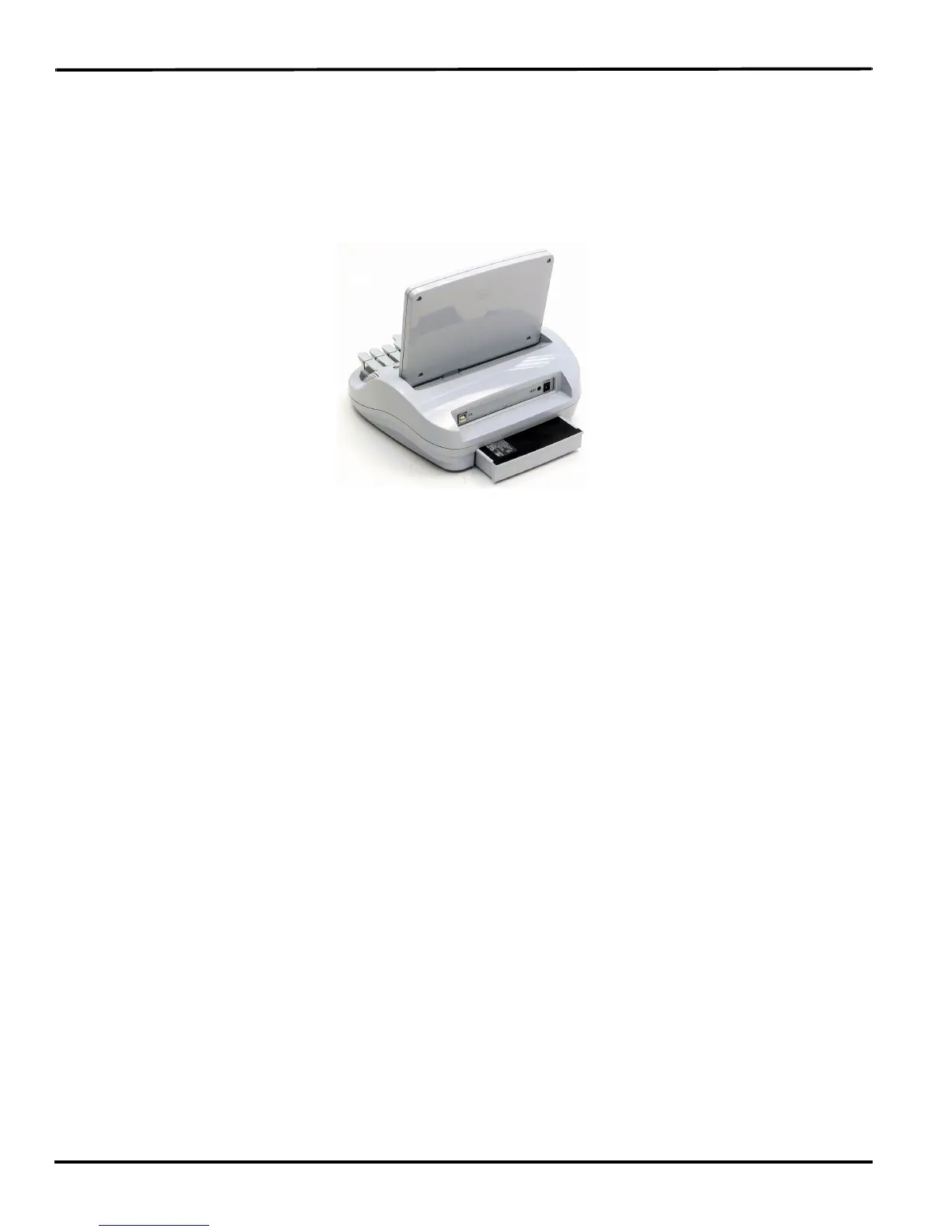
Changing the Battery
To remove and replace the Wave main battery:
1. Place the palm of your hand squarely against the back of the Wave on the battery. Grasp the back
portion of the battery with your two middle fingers.
2. Pull the battery gently away from the Wave.
3. To replace the battery, slide it into the slot.
4. Press the battery firmly until it locks into place.



 To Next Page