21
Chapter 3: Wave Hardware Features
© 2017 Stenograph
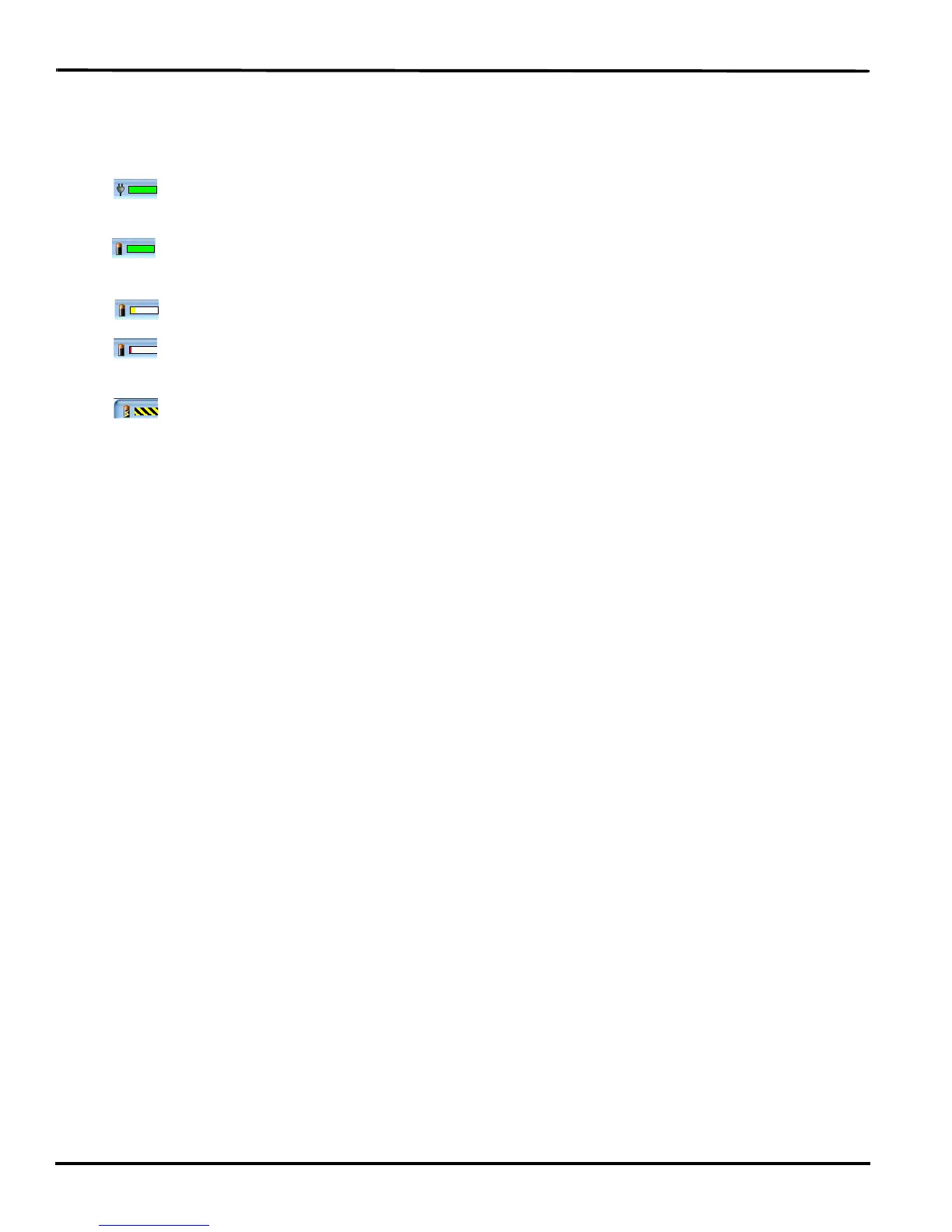
Battery Gauge
The battery gauge on the title bar of the Tilting screen provides a general indicator of the main battery
voltage level. It changes appearance as the voltage level of the battery changes:
• —an electrical plug with a full green gauge indicates the Wave is plugged into the AC adapter/
charger and the main battery is fully charged.
• —a battery with a full green gauge indicates the main battery is fully charged. As the charge of
the battery level drops, the green bar becomes smaller.
• —a battery with a partial yellow gauge indicates the battery is low.
• —a battery with a short red gauge indicates the battery is almost completely drained. The
battery icon flashes on and off.
• —a battery with black and yellow running stripes indicates the Wave is plugged into the AC
adapter/charger and the batteries are charging.
Tilting Screen Battery Messages
The Tilting screen displays four progressive warning messages as the main battery level becomes low
and requires recharging:
• Main battery, Danger -- Battery Low.
• Main Battery, Danger -- Recharge Battery Now.
• Main Battery, Battery Dead -- Switching To FailSafe...
• Main Battery, Battery Dead -- Recharge Battery Now!
If the Wave is connected to a computer with a USB cable, low battery messages display but all the
features continue to operate. See Powering With the USB Cable on page 23.



 To Next Page