44
EN
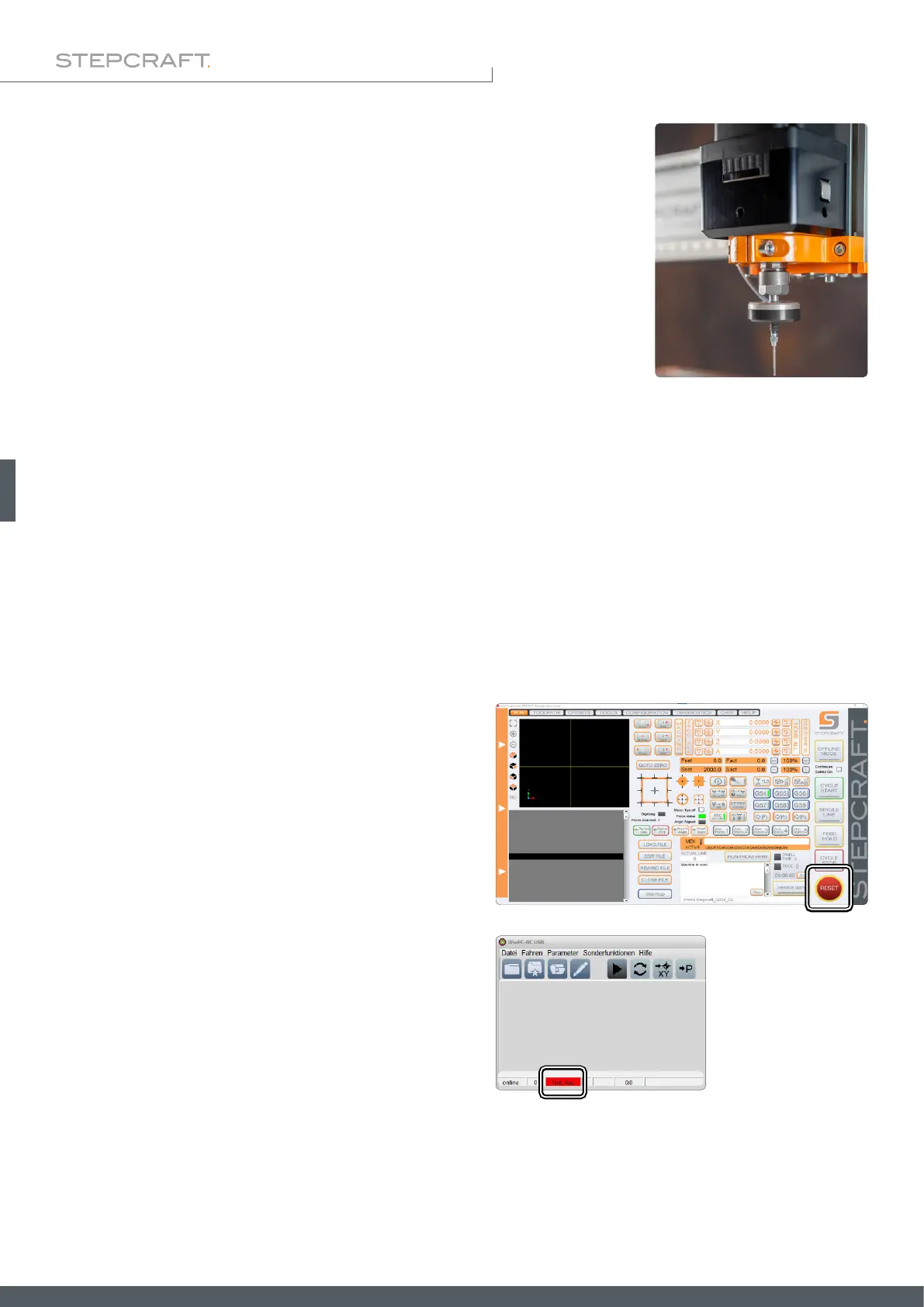
You can use your milling motor to hold the 3D touch probe. All you need is a 8 mm
collet. Be sure that the milling motor is disconnected from the power supply. Follow
the instructions given in the user manual of your milling motor. If necessary, remove
the currently held tool and clamp the touch probe.
4.3.3 Using an 8 mm Collet
5 Operation
5.2 Testing the Emergency Stop Switch
It is imperative for you to test the emergency stop switch of the CNC machine before using the product. Be sure that you
can pull the power plug, in case the emergency stop does not work as expected. Trigger the emergency stop. The machine
has to stop in an instant. Never use the milling motor or CNC machine, if the emergency stop switch fails to work. The
switch has to be capable of stopping the entire machine in case of an emergency! A machine which cannot be stopped
by the emergency stop switch is to be considered as danger and has to be repaired.
5.1 Commissioning and Safe Operation
The machine and all connected components have to be wired correctly and be in
perfect condition. The operator must have completely read and understood the entire
documentation of the CNC machine, the milling motor and corresponding instructions. Furthermore, the operator has to
be familiar with the use of CNC gantry milling systems and CNC software. The workplace needs to be compliant with the
applicable regulations and provisions of the respective industry.
When you engage the emergency stop switch, UCCNC will
offer visual feedback by a blinking RESET button. Further-
more, a shrill sound will be played. After deactivating the
emergency stop switch you additionally have to click the RE-
SET button in order to redeploy the CNC into an operational
state.
When you engage the emergency stop switch, WinPC-NC will
offer visual feedback by displaying a red notice in the status
bar. After releasing the emergency stop switch your system
will return to an operational state.



 To Next Page