50
EN
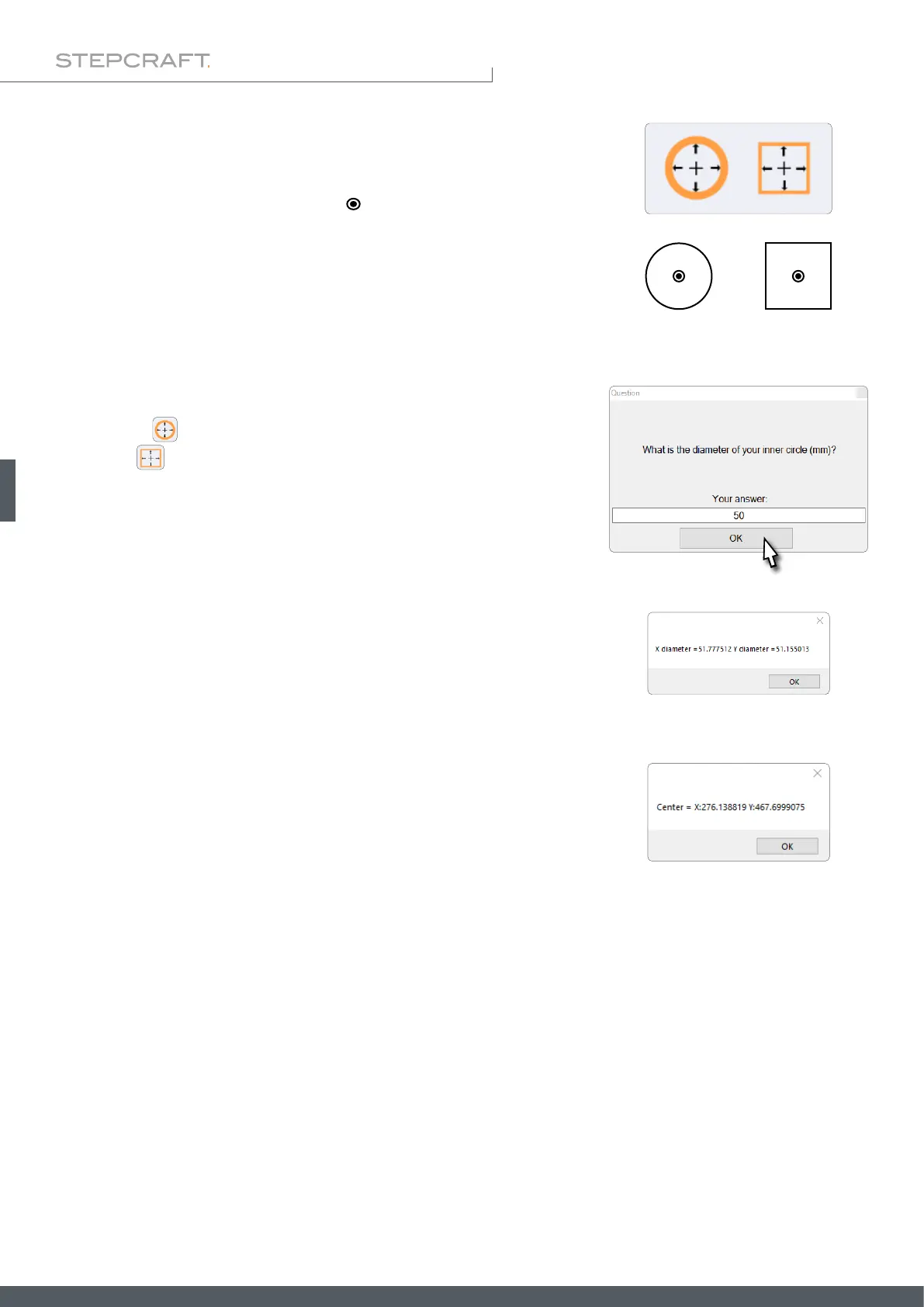
The touch probe measures in this order: rst along the Y-axis, then along the
X-axis, and nally the Y-axis is probed again.
After entering the values, the touch probe will begin to nd the center of the
form. After completing the process, the X- and Y-dimensions of the form will
be displayed. Thereafter the machine coordinates of the center point will be
shown by UCCNC.
After clicking
you will be prompted to enter the inner diameter of the
form. Click and UCCNC will prompt you to enter the Y- and X-dimen-
sions. These values can be quite rough, as they are only used to determine
the maximum travel distance of the touch probe.
These two buttons enable you to measure the inner dimensions of circular
and angular forms. Place the touch probe ( ) within the contour.
The probe tip has to be able to touch the contour, although it does not have
to be placed in the center of the form.
Startposition 3D-Taster



 To Next Page