53
EN
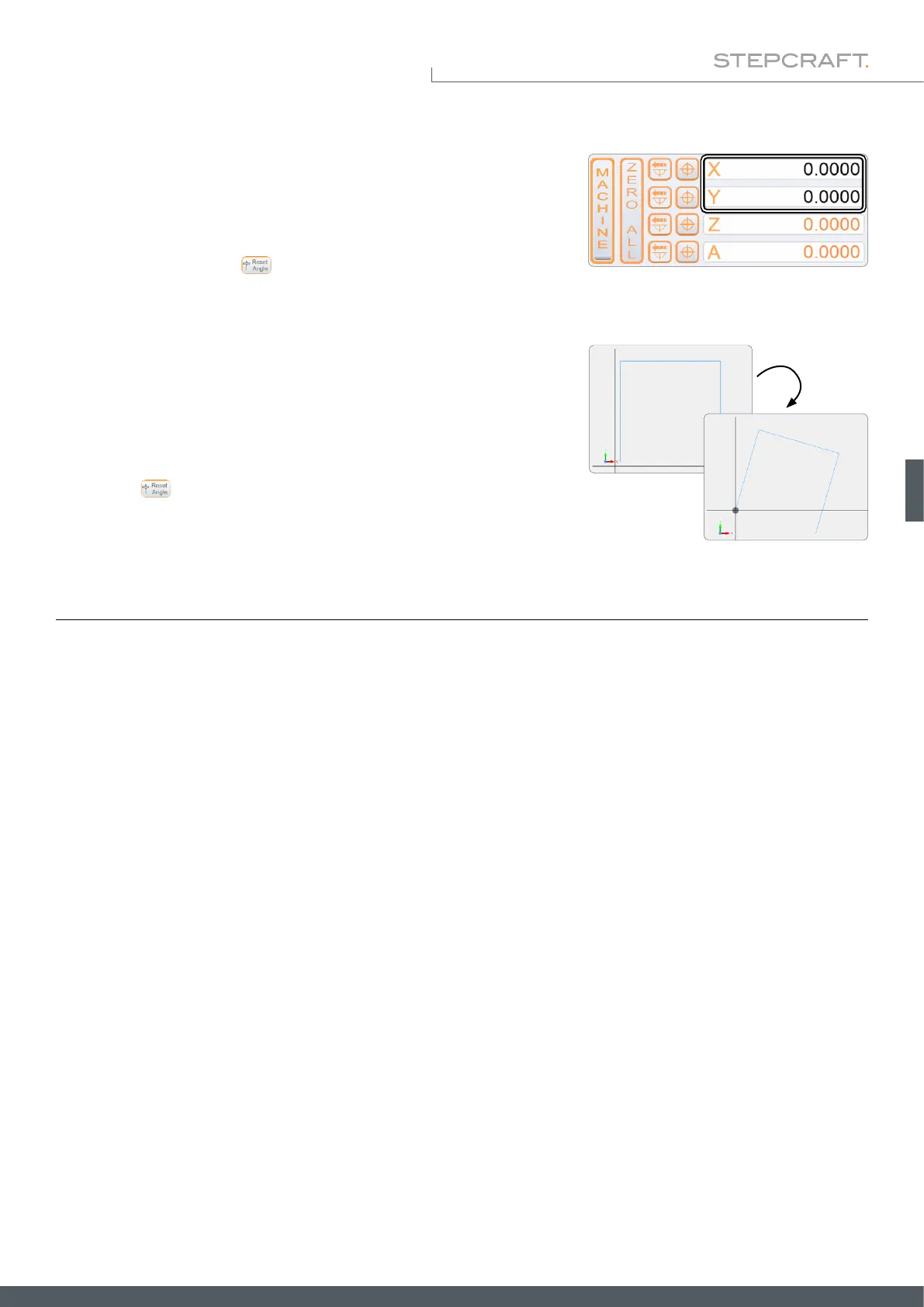
Changing the coordinate system adjusts the UCCNC user interface allowing
you to easily see that you are working with a modied coordinate system.
The workpiece coordinates are displayed in black instead of orange color
until you click Reset Angle or close and reopen UCCNC.
When you reload your nc program, the path of your program is displayed
rotated. You can also see the origin of rotation.
Reset Angle undoes all changes.



 To Next Page