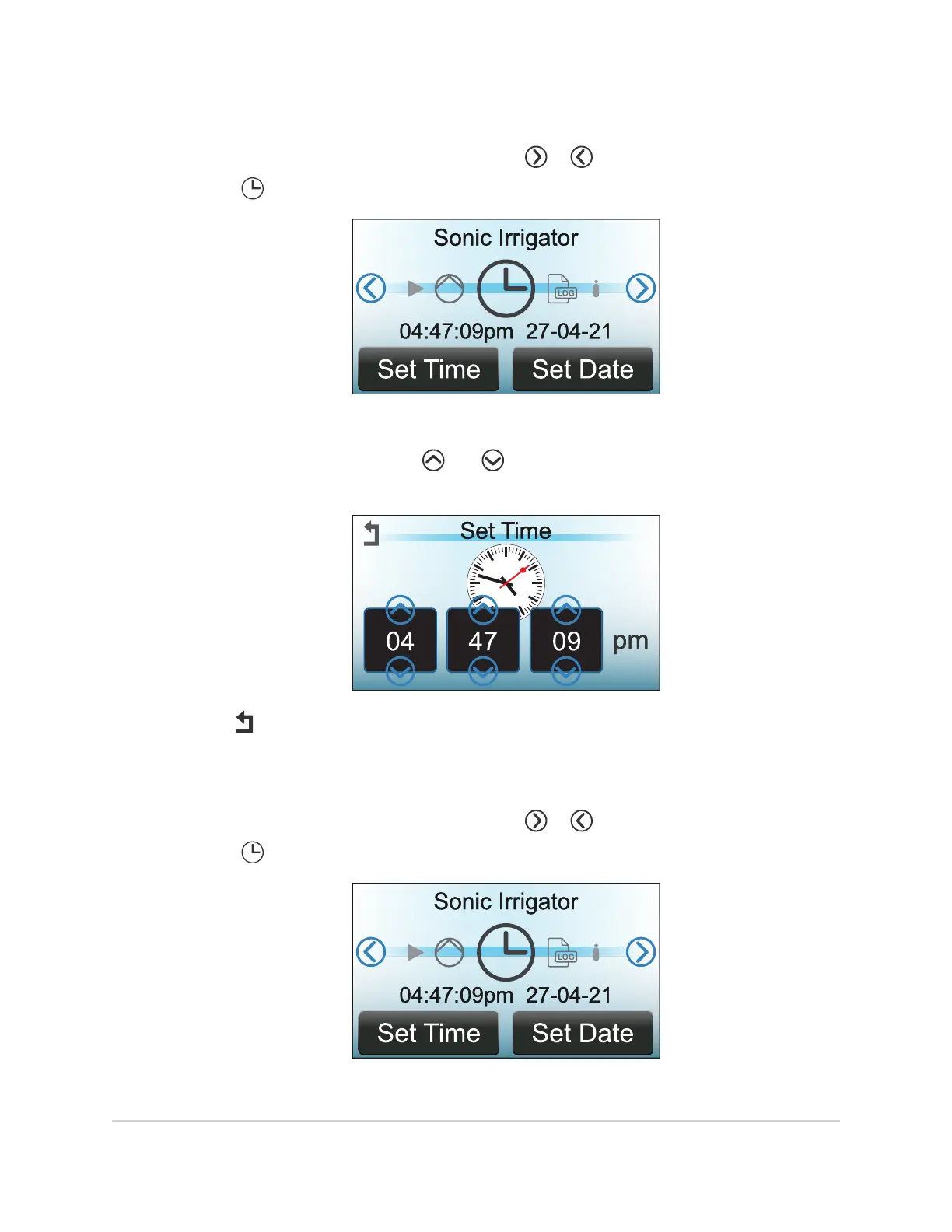
8.4.1 Time Setting Adjustment
1. On the display, within the main menu, touch or repeatedly until the clock
symbol is centered and the time and date appear below it.
2. Touch Set Time at the bottom of the display.
3. On the
Set Time
screen, touch and to adjust hours, minutes, seconds
settings as required.
4. Touch to return to the main menu.
8.4.2 Date Setting Adjustment
1. On the display, within the main menu, touch or repeatedly until the clock
symbol is centered and the time and date appear below it.
2. Touch Set Date at the bottom of the display.
70 MAINTENANCE
InnoWave Unity & Unity 20 Operator Manual














 To Next Page