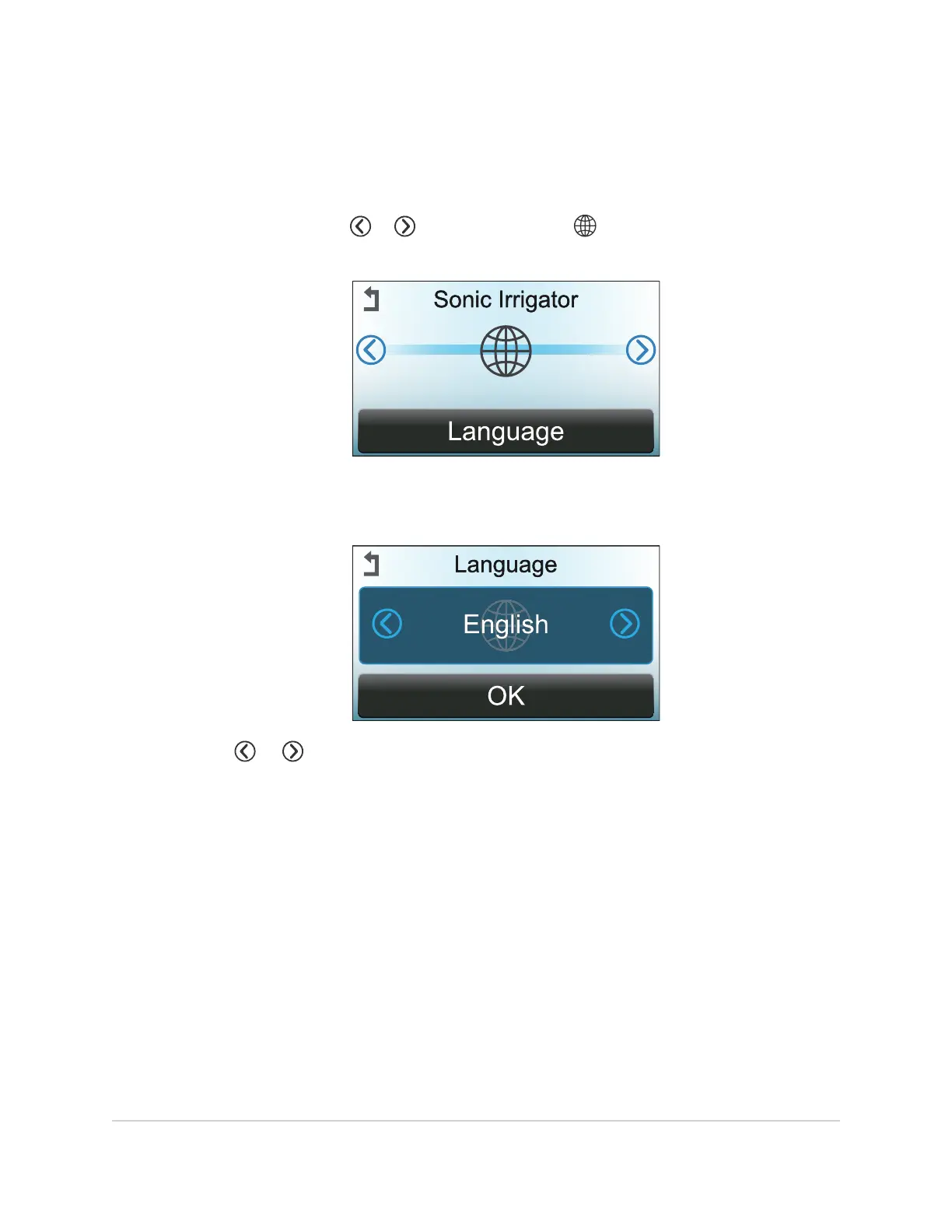
9.5 Changing the Language Used by the Display
1. Unlock the supervisor menu using the supervisor PIN. See
Unlocking the
Supervisor Menu
on page76.
2. On the display, touch or repeatedly until the symbol is centered and
Language
appears.
3. Touch once on Language at the bottom of the display.
4. The current language setting appears in the center of the display.
Touch or repeatedly until the desired language appears in the center of the
display. Available languages appear in the following sequence:
English, Danish, French, German, Japanese, Spanish, Swedish, Finnish, Italian,
Polish, Russian, Portuguese, Norwegian, Lithuanian, Latvian
THE SUPERVISOR MENU 83
InnoWave Unity & Unity 20 Operator Manual














 To Next Page