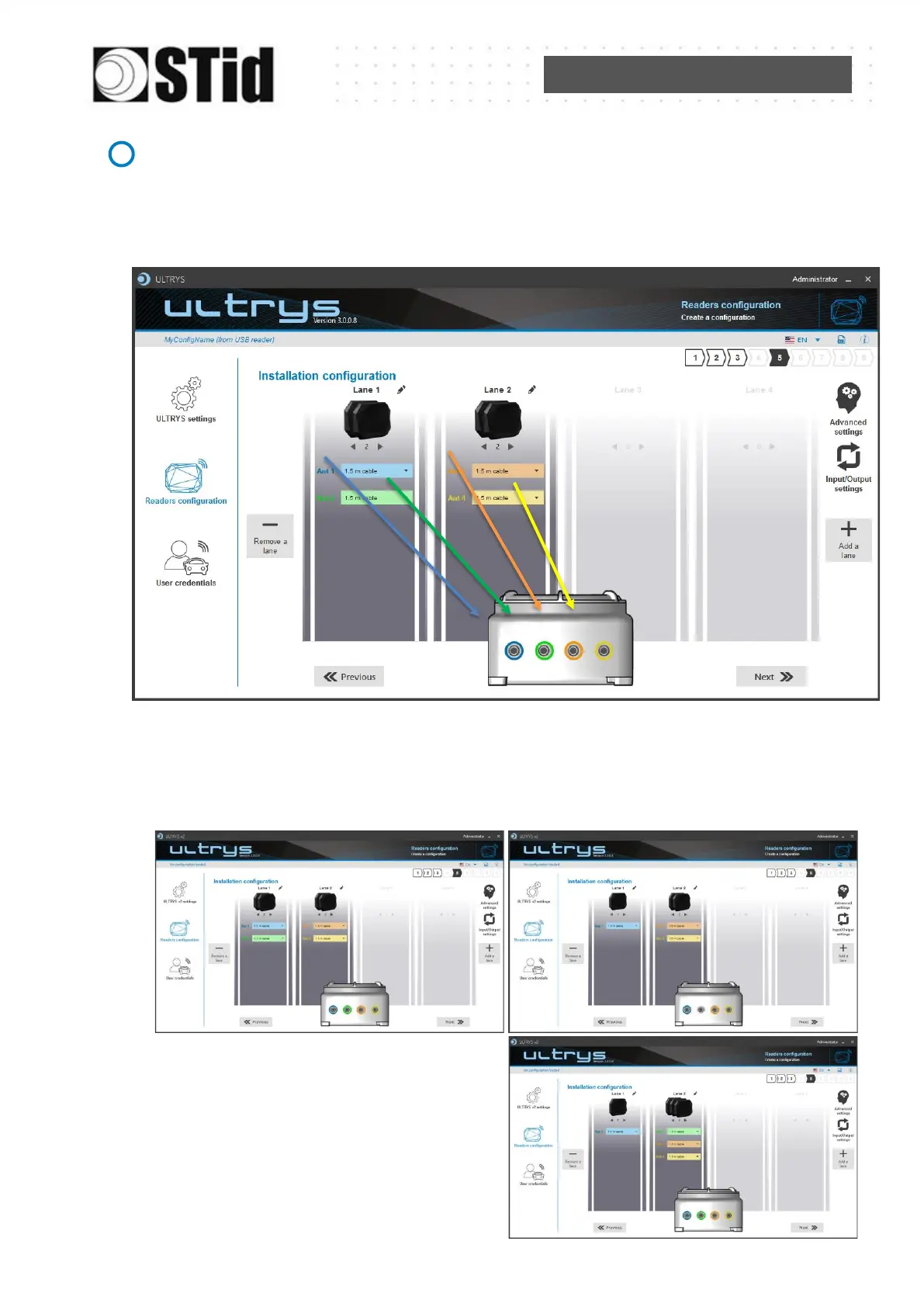
Add / Remove antenna on lane
Set the number of antennas on the corresponding lane.
When an antenna is added, the RF port to which the antenna has to be connected appears
on the reader with corresponding color to help the installation.
RF ports are assigned in order to add the antennas in the configuration wizard.When an
antenna is removed from the configuration, the RF port connection for other antennas does not
change.
Example: Ant 2 deleted from lane 1 and added to lane 2.



 To Next Page