Commissioning with TwinCAT®
Operation manual
ID 441896.05
WE KEEP THINGS MOVING
71
11
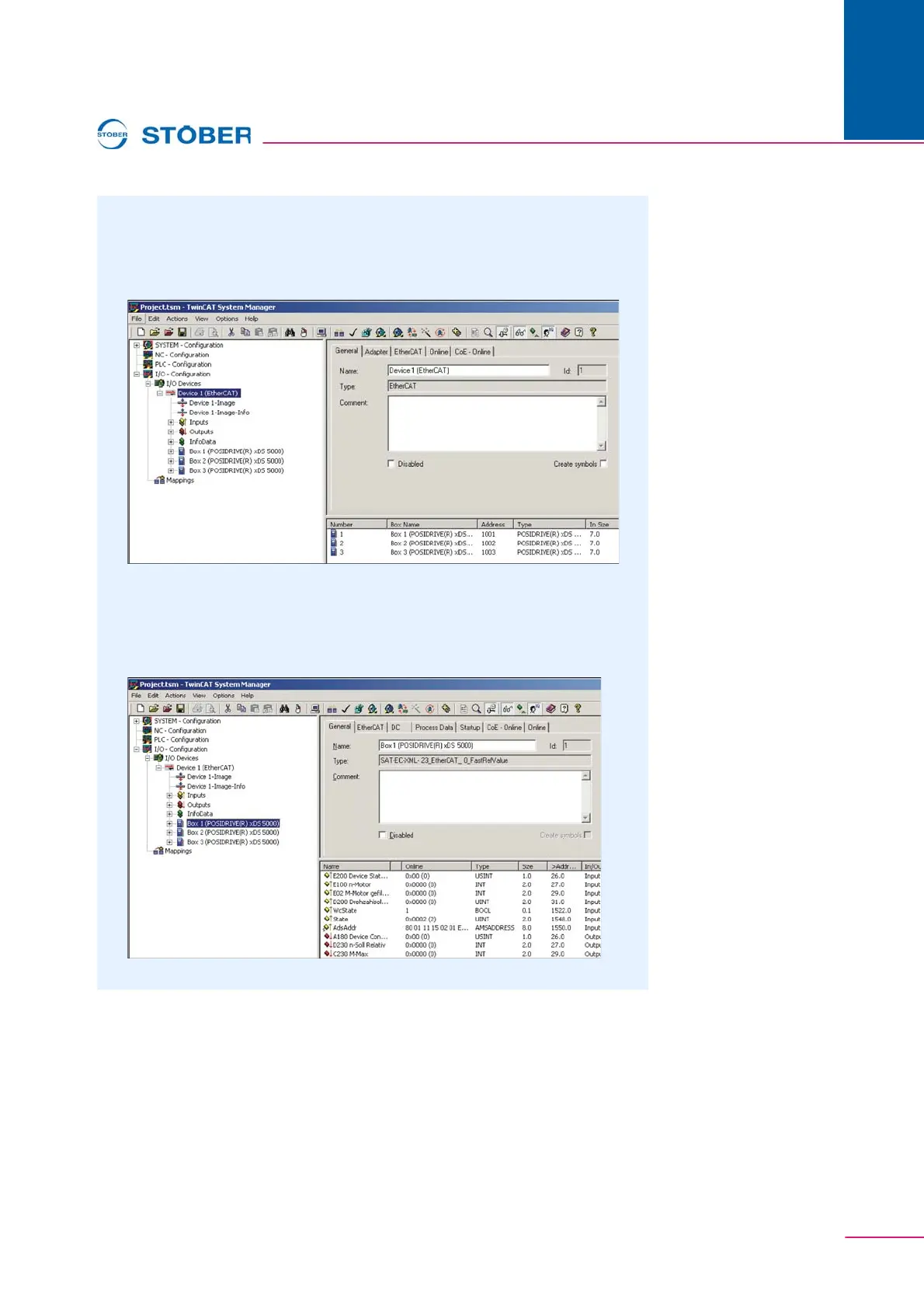
13. In the context menu, select Scan Boxes.
The EtherCAT network which was just put together is checked and the
founded inverters appears in the project tree under box x
(POSIDRIVE(R) xDS 5000).
Fig. 11-3 View of the Device 1 (EtherCAT) on the TwinCAT System
Manager
14. Click the inverter box x (POSIDRIVE(R) xDS 5000) found in EtherCAT.
The dialog screen shown in appears.
Fig. 11-4 View of the inverter on the TwinCAT System Manager



 To Next Page