ID 442710.00 27WE KEEP THINGS MOVING
More about PROFINET?
6
Operation manual PROFINET
6.4.2 PZD channel
The PZD channel is used for fast, cyclic data transfer to control and observe
the running process.
One data unit from IO controller to IO device is sent per cycle and vice versa.
The basis for this is the real-time concept for which different cycle times can be
parameterized for each PZD channel.
PROFINET tries to transfer data as efficiently as possible, i.e. the cyclic data
traffic is applied directly to the MAC address of a device and does not contain
any IP addresses. As a result, the total length of a data packet remains
relatively small.
The direction of the data flow is important for this data transfer. PROFINET IO
distinguishes between Received-PZD
(= RxPZD) and Transmitted-PZD (=TxPZD) – as viewed by the IO device.
The length and structure of the process data are defined as part of the project
configuration. Currently 18 parameter values with a maximum total length of 72
byte can be exchanged between controller and device for each transmission
direction.
6.4.3 PKW channel
As well as the process data, there is different parameterization or configuration
data that is transferred between the IO controllers and IO devices during
ongoing operation. This data is regarded as time-uncritical in the same as the
unique events.
Parameters of a drive controller with line number 0 to 511 can be accessed as
communication objects via the PKW channel.
6.4.3.1 Parameters
Parameters serve the following purposes:
• Adapt drive controller functionality to your application
• Display current values such as actual speed or actual torque
• Trigger actions such as "Save values" or "Phase test"
Parameter group and address
Parameters are sorted according to their thematic properties into different
groups.
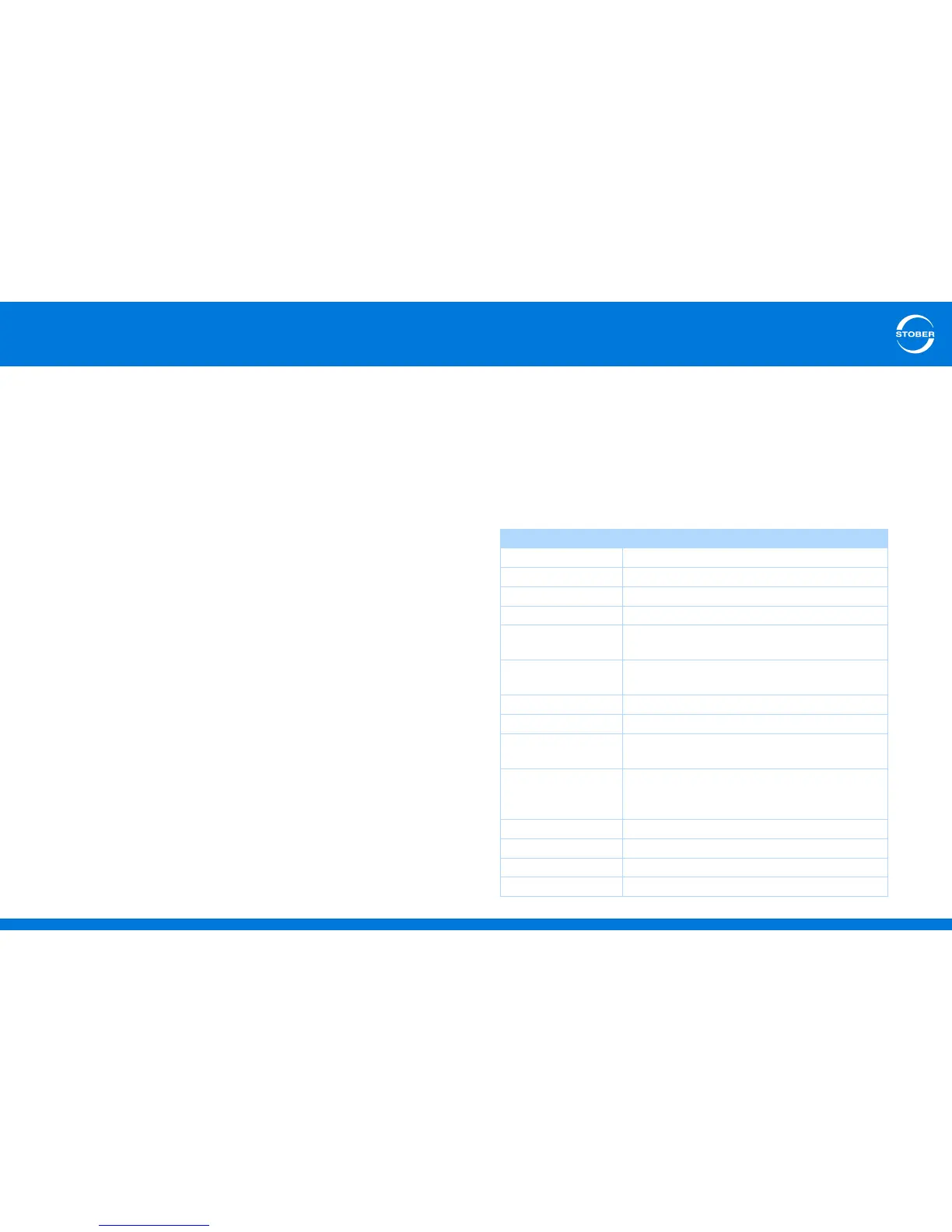
Group Theme / Dependence
A.. Drive controller Drive controller, communication, cycle time
B.. Motor Motor
C.. Machine Speed, torque
E.. Display values Display for device and application
F.. Terminals Analog inputs/outputs,
binary inputs/outputs, brake
G.. Technology Depends on the application, for example
synchronous motion
H.. Encoder Encoder
I.. Motion Settings for all movements
P.. Customer-specific
parameters
For programming only (optional)
Q.. Customer-specific
parameters, instance-
dependent
For programming only (optional)
R.. Production data Production data for the drive controller
T.. Scope Scope parameters
U.. Protection functions Parameterization of events
Z.. Fault counter Fault counter for events



 To Next Page