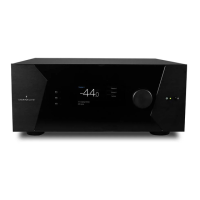
ISP Immersive Sound Processor
11
6. Access Management
This area permits a user logged in as installer
to assign access to specic setup functions
to the Expert User. For example, if the ISP is
installed at property with technical sta, the
installer may wish to permit the Expert User to
make changes to the inputs for the purposes of
installing a new source, but restrict their ability
to make changes to speaker EQ, apply rmware
updates, etc. Any setup menu marked “Y” in
grayed is accessible to a user with the Expert
User password.
Note that aer making any changes,
you must press the SAVE button near
the top right of the screen or you will
loose your changes.



 To Next Page