ReferenceF2/3/8000-48
FDM 2000/3000/8000 Manual
10MAY01
Keypad Functions and Messages
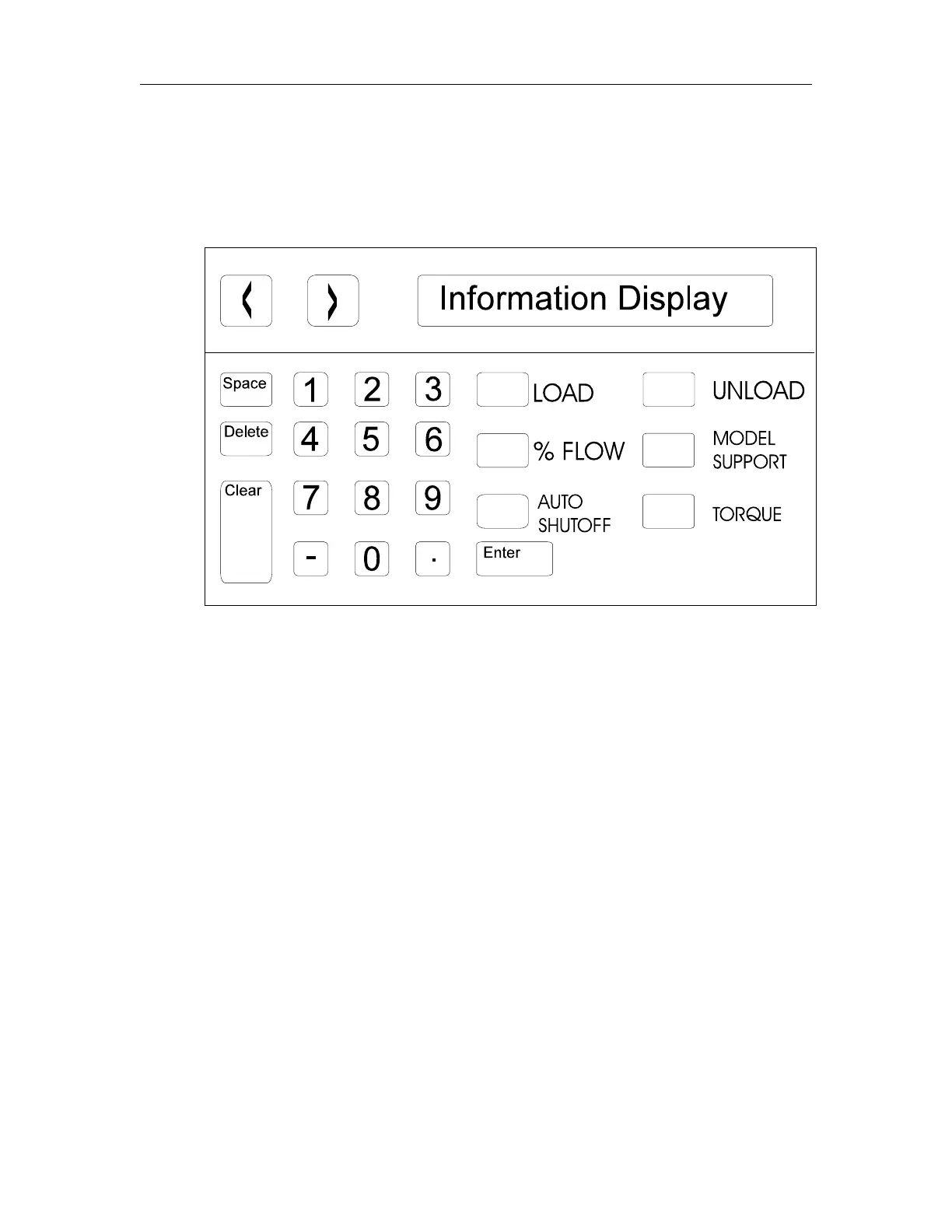
The keypad is located near the upper left corner of the FDM. It al-
lows the user to load or unload filament and calibrate the tips. It also
displays information about the current status of the FDM.
The Keypad Display Panel
Keypad Display Panel Options
Below are listed the basic options available through the Keypad Display
panel. Most options for the Keypad Display panel are preset at Stratasys.
Pressing “Space231” allows the user to access the part material calibration
selections. Pressing “Space239” allows the user to access the support
material calibration selections. Pressing “Space236” displays the firm-
ware revision number. If it is necessary to change one of the preset
variables, call Stratasys Customer Support.
Selection Variable Entry Range
1 Cal N Mdl 0 + 50
2 Cal A Mdl 0
+ 50
7 Cal N Spt 0
+ 50
8 Cal A Spt 0
+ 50
Descriptions—Keypad Display Panel















 To Next Page