Procedures
®
10MAY01
F2/3/8000-29
Enabling the Auto Shutoff
The FDM is equipped with an Auto Shutoff feature. Turning this feature on
causes the FDM to turn itself off after completing a model. The cooling fan will
remain on for 30 minutes to prevent backflow. To enable the Auto Shutoff
feature:
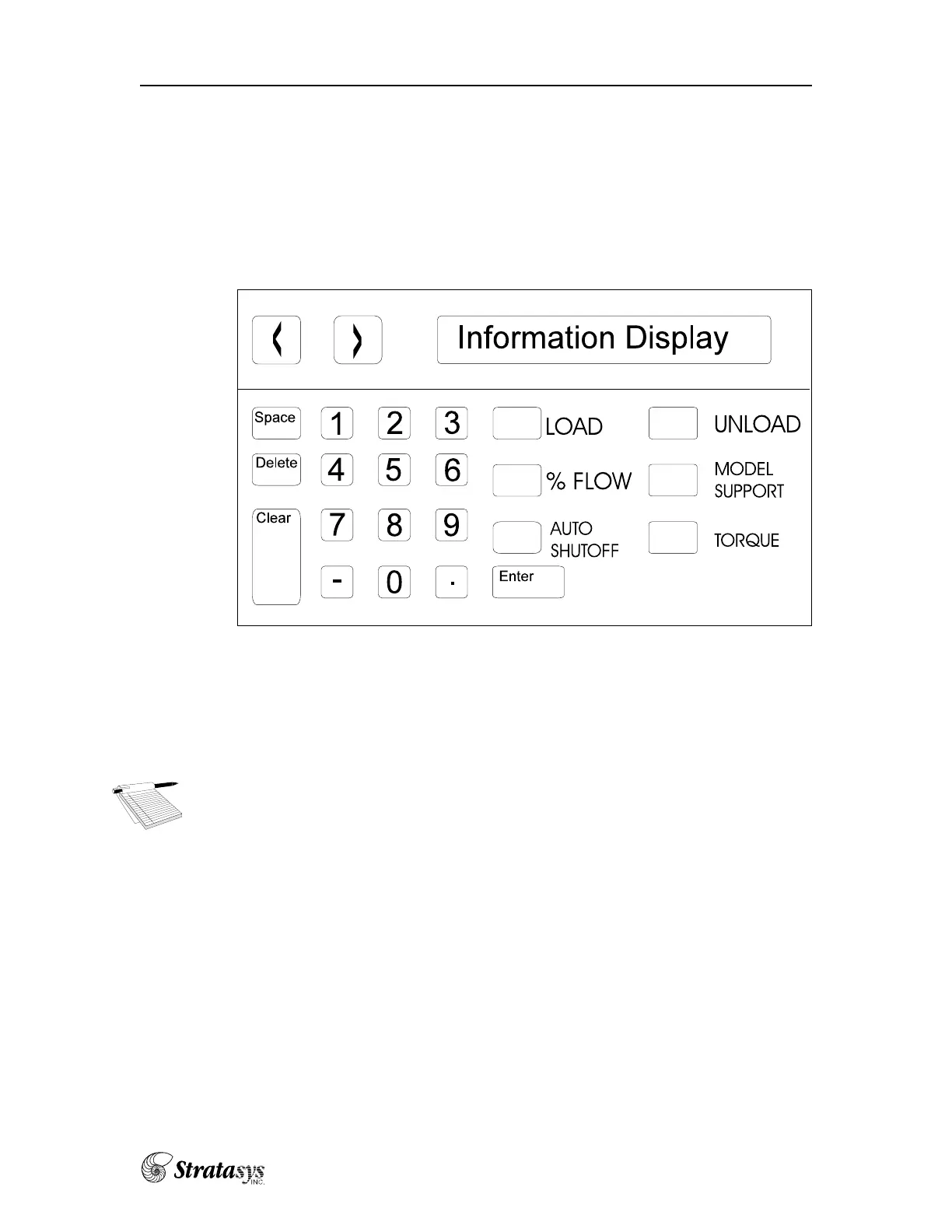
l Press the “AUTO SHUTOFF” button once. The “Auto SO On” indicating the
feature is in use will be displayed in the information display.
The Keypad Display Panel
To disable the “AUTO SHUTOFF” feature:
l Press the “AUTO SHUTOFF” button once. The message “Auto SO Off” will
appear in the information window display.
NOTE: The FDM 3000 with WaterWorks Soluble Supports will auto-
matically lower the support Watlow temperature.
Usage—Modeling Operations















 To Next Page