Procedures
F2/3/8000-20
FDM 2000/3000/8000 Manual
10MAY01
Usage—Modeling Operations
Changing the FDM Head
Removing an FDM Head from the FDM 2000/3000/8000
If the FDM tip temperature is above 50° C (122° F), insulating gloves
must be worn to avoid direct skin contact with the FDM head and tip.
1) Press the “UNLOAD” button on the control panel keypad to unload the
modeling material. Wait 5 seconds and press “UNLOAD” again to stop
unloading material.
2) Repeat step 1 for the support material.
3) Turn off the power to the FDM by pressing the black “O” button on the
upper right corner of the FDM.
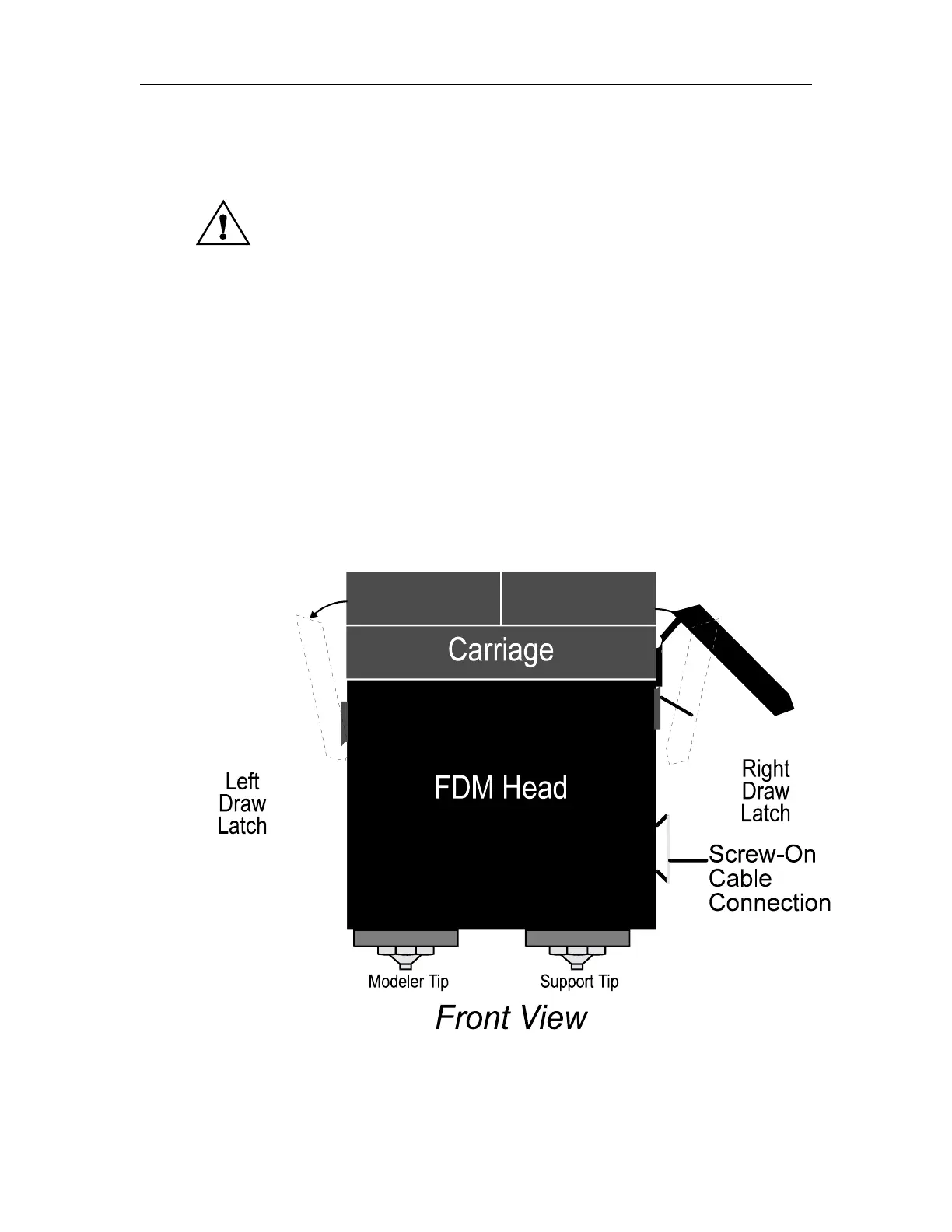
4) Using caution, unplug the screw-on connector from the right side of the
FDM head.
5) The FDM head is attached to the carriage and back plate. Unlatch the
draw latches from the carriage.















 To Next Page