Procedures
®
10MAY01
F2/3/8000-13
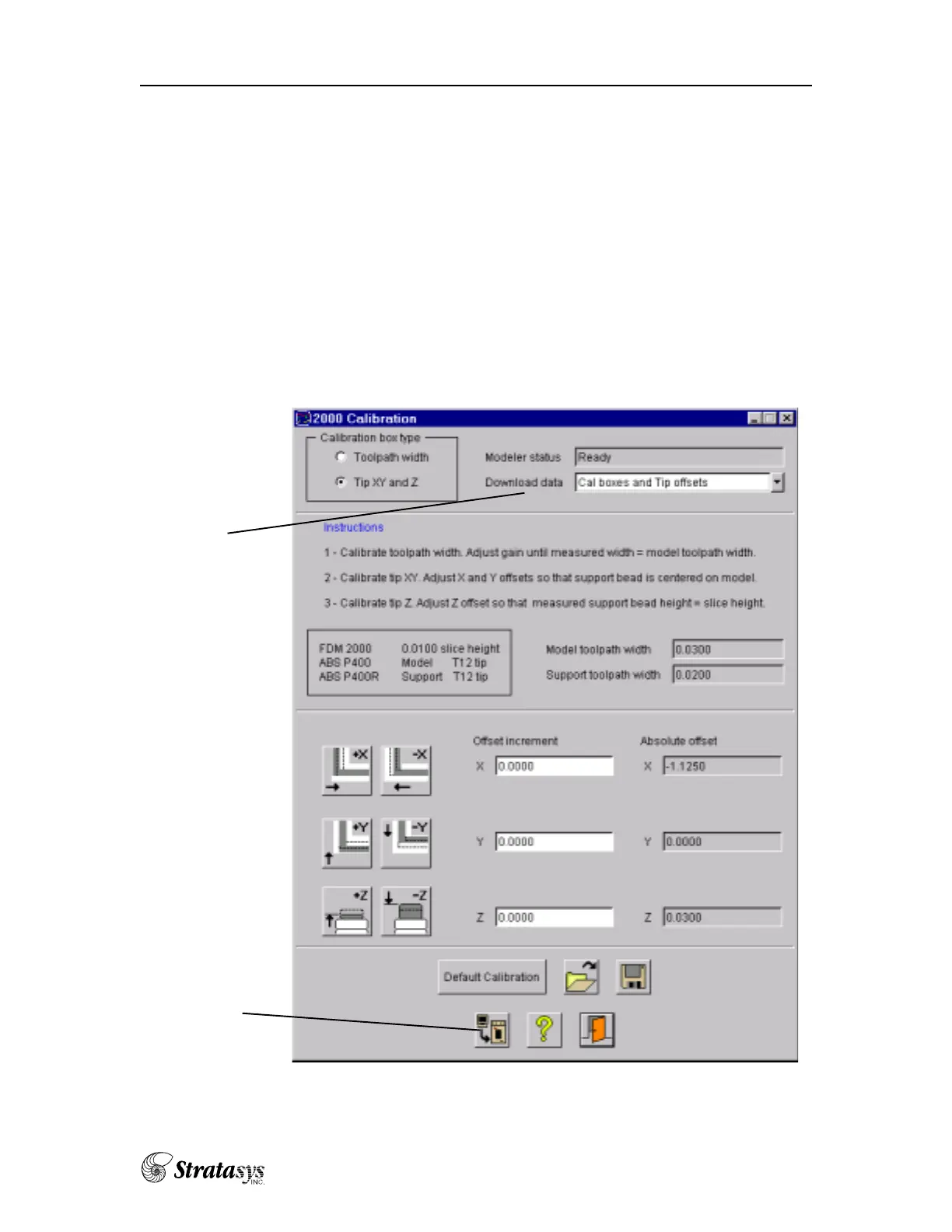
Every time you receive a new version of software, you must download the
“buttons” file. These are the FDM system build/move parameters.
1. Go to the FDM Status window
2. Click on the calibration icon
Set up the Configure Modeler to what is currently in the FDM
Click on the green check to go to the calibration page.
Download data
Download to FDM
3. Click on the Download to FDM button.















 To Next Page