Procedures
®
F2/3/8000-37
10MAY01
The liquefier temperature control MUST operate in
AUTOMATIC MODE. You could overheat the liquefier
when the control is operating in manual mode (in manual
mode, the lower display of the liquefier control indicates
the percentage of output, NOT temperature.) The ma-
chine is in Manual mode if there is a light showing next to
the “M” on the right side of the controller.
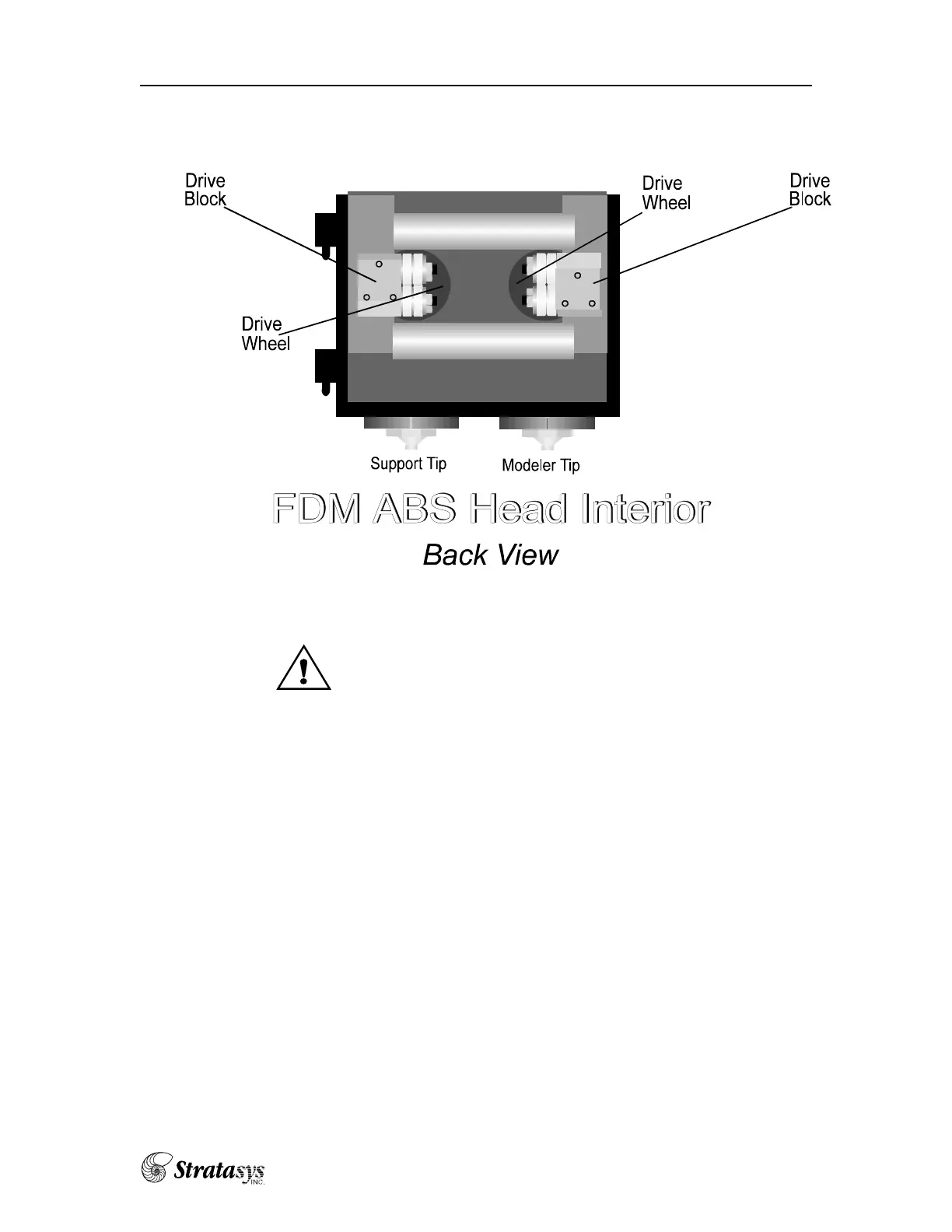
j) Press the “UNLOAD” button on the control panel. Apply an alcohol-
dipped cotton swab between the drive wheels to clean the drive wheel
grooves. Press the “UNLOAD” button to stop the drive wheels.
k) Wait for the actual liquefier temperature to reach the set temperature.
6) Reattach the FDM head to the back plate and carriage:
a) Swing the FDM head to the left until it touches the back plate.
b) Latch the left and right draw latches to the carriage.
c) Latch the side draw latch to the back plate.
7) Reload the material (see “Changing Spools of Modeling Material.”)
Maintenance—Cleaning the Head















 To Next Page