Status LEDs and System Buttons
Troubleshooting the Hardware
3-5
CPU-I/O Enclosure Status LEDs
On ftServer 2600, 4500, and 6300 systems, behind the bezel, the front of each
CPU-I/O enclosure contains the set of system LEDs shown in Figure 3-2. The LEDs
indicate faults detected in a range of enclosure components to help you identify
problems and expedite the repair process.
When the system detects a component in a fault state, the component’s corresponding
LED lights up. If, for example, a component reaches its voltage threshold, the VLT LED
illuminates. If the component returns to normal, its LED goes out.
In some cases, the component is automatically taken offline, and its LED stays lit until
the component is replaced or brought back online.
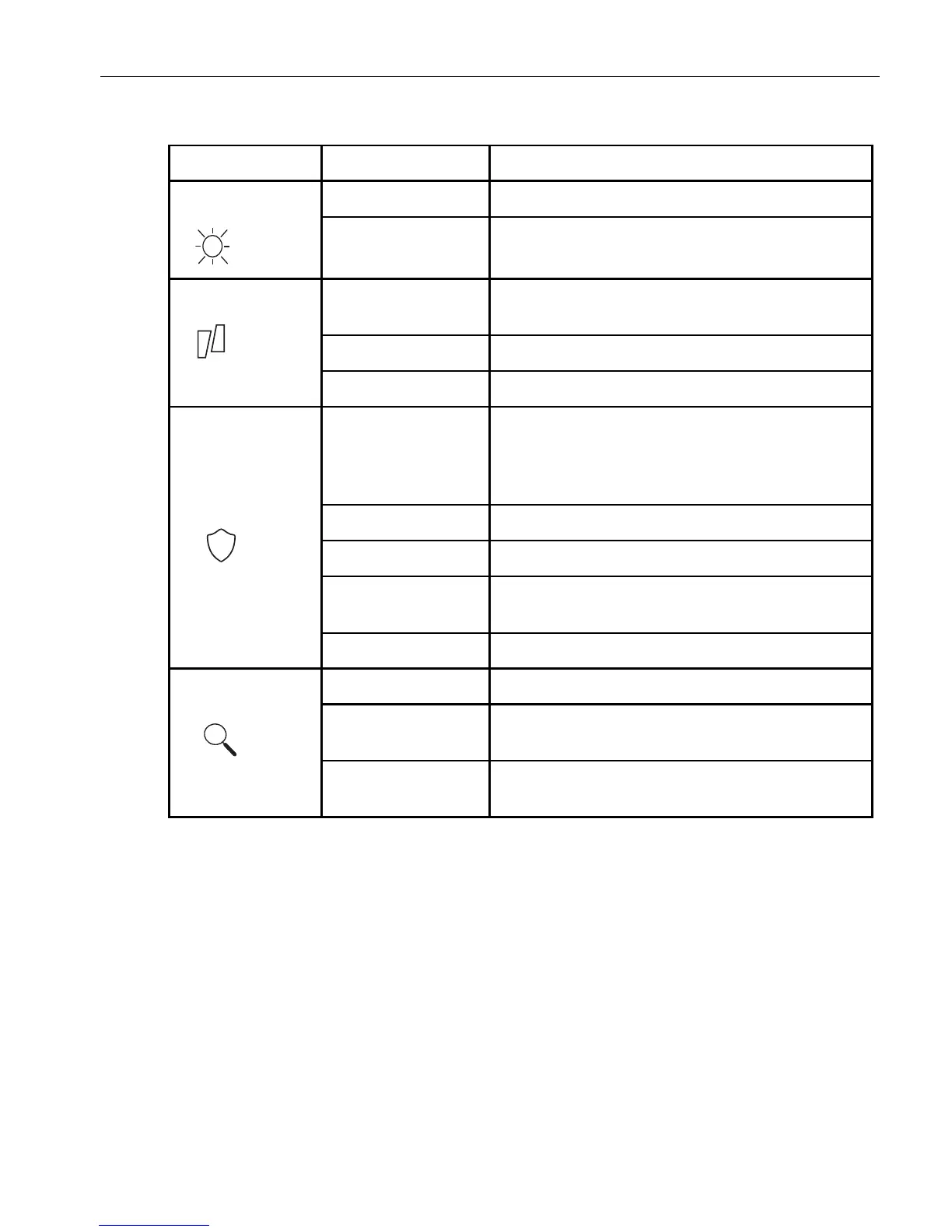
Table 3-1. System Front Panel LEDs
LED States Description
System Power Green On Either or both CPU-I/O enclosures have power.
Green Off Neither CPU-I/O enclosure has power.
System Fault Blinking Yellow
(highest priority)
Failing component cannot be identified. Both
CPU-I/O enclosures should be replaced.
Yellow On Critical component failure.
Yellow Off System is either off or operating normally.
System Fault
To l e r a nc e
Blinking Green
(highest priority)
ActiveUpgrade is running.
System is attempting to bring the CPU-I/O
enclosure into duplex operation.
Green On System is duplexed.
Off System is simplexed.
Yellow System has detected a fault in this CPU-I/O
enclosure.
Blinking Yellow CPU-I/O enclosure performing an error dump.
System ID Blue On A system ID command is running.
Blinking Blue Remote management command is identifying
the system.
Off
(lowest priority)
No system ID command is running.



 To Next Page