Removing and Replacing a CPU-I/O Enclosure
5-14
Stratus ftServer 2600, 4500, and 6300 Systems: Operation and Maintenance Guide
(R639)
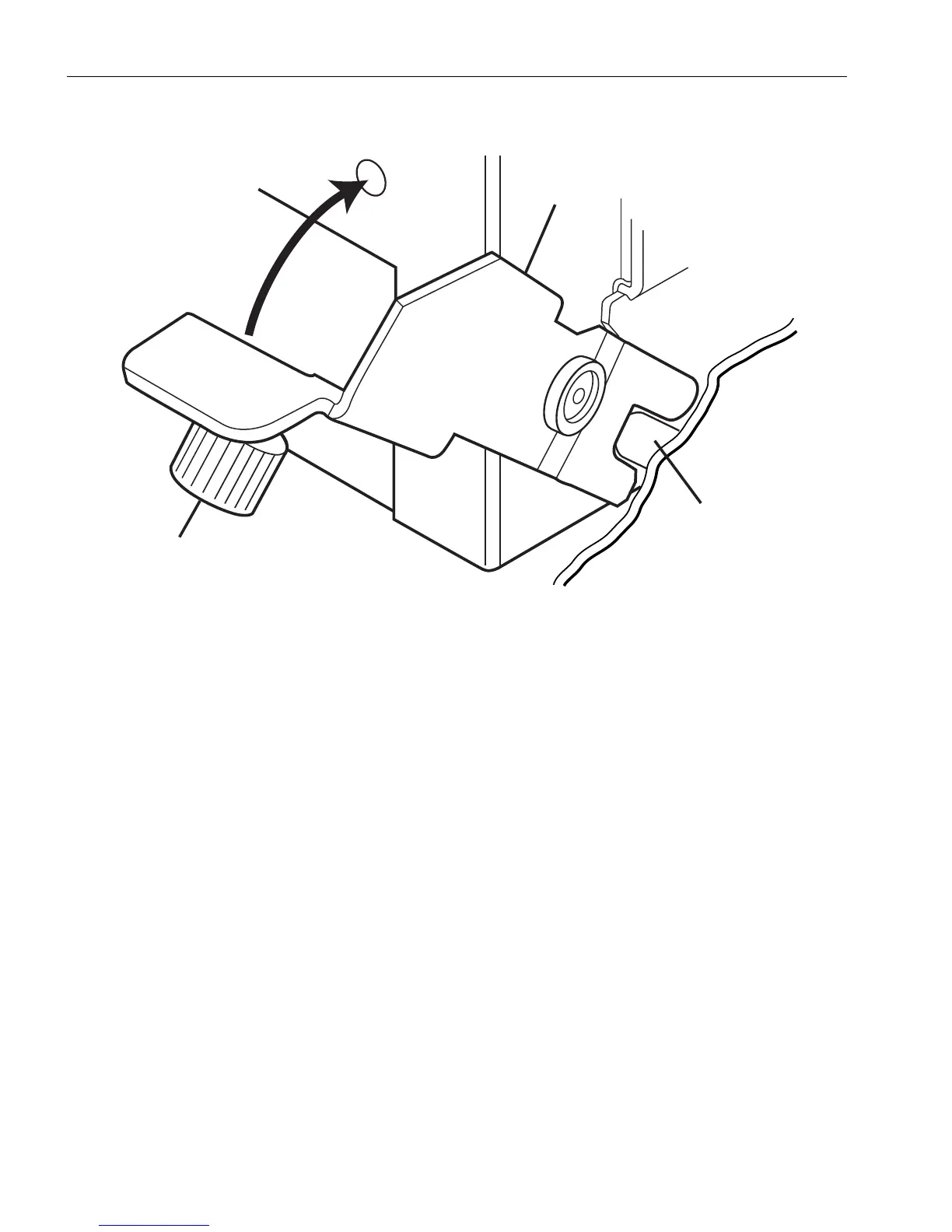
Figure 5-7. Engaging the Release Levers on an Enclosure
4. Tighten the two thumbscrews (number 3) to lock the enclosure securely into the
backplane.
5. Connect all the data cables (number 2 in Figure 5-3).
6. Connect the power cord (number 1 in Figure 5-3), lifting the power-cord locking bar
(number 3 in Figure 5-3) to move the power cord into position. The enclosure
returns to service if the other enclosure is operating.
If you shut down the system, return it to operation.
1 Release lever (2) 3 Thumbscrew (2)
2 Release lever end over
positioning pin (2)



 To Next Page