Removing and Replacing a Front Panel
Installing and Replacing System Components
5-7
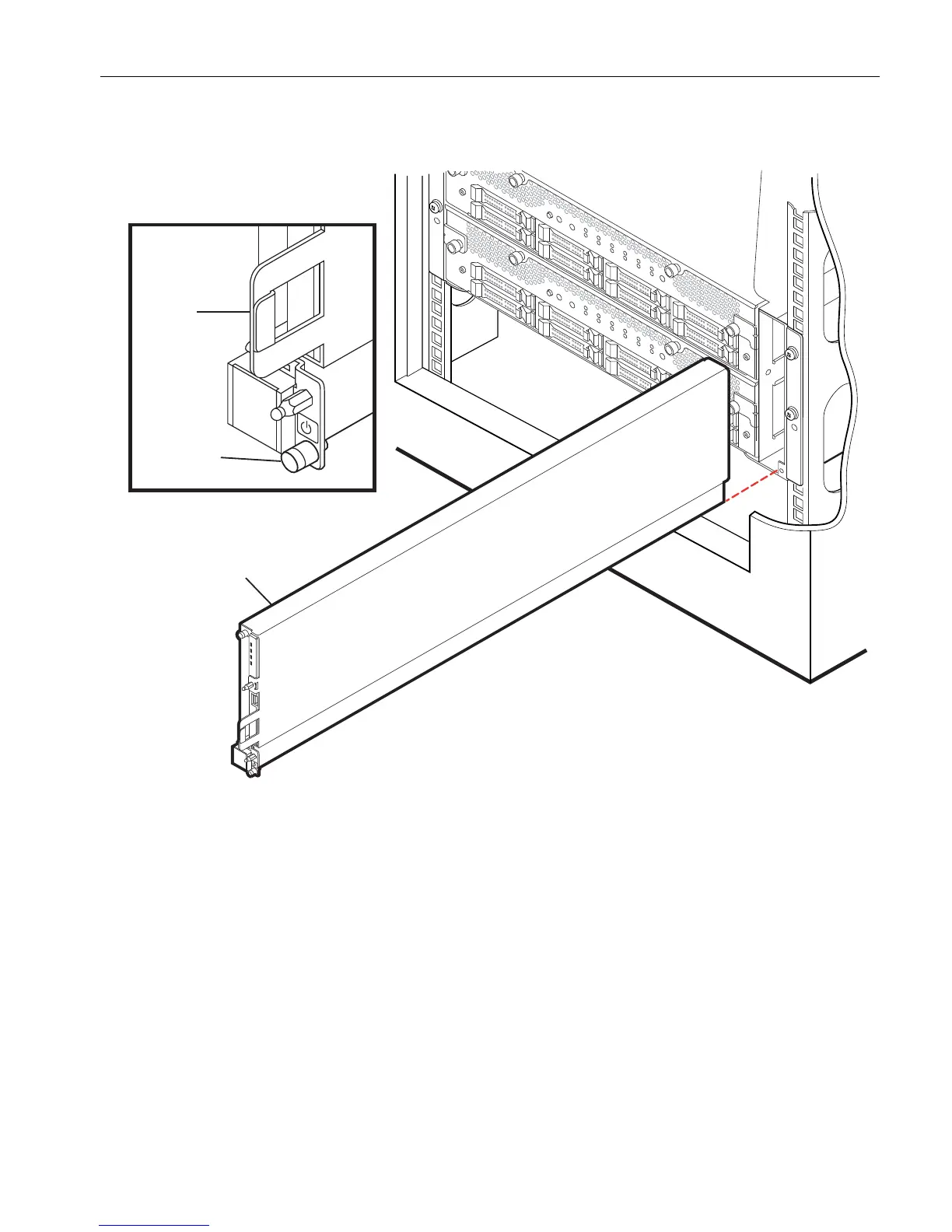
Figure 5-2. Replacing the Front Panel
3. Gripping the bracket (number 3) on the right side of the panel, pull the front panel
straight out of its slot.
4. With the front panel disconnected from the system backplane, remove the DVD
drive, as described in “Removing a DVD Drive” on page 5-46.
1 Front panel
2 Captive thumbscrew
3 Bracket



 To Next Page